

Contact options
 5.0 / 5Google reviews
Ready For The Workday
A new computer should be ready for the person using it, with the right applications, access, and settings. Our endpoint management services cover the laptops, desktops, and workstations your employees rely on every day.
DK’S Enterprises, Ltd. provides endpoint deployment services and ongoing maintenance for small and mid-sized businesses. We set up devices, check that applications work, and help keep computers consistent as your team changes.
Consistent from day one
Practical setup. Ongoing device upkeep.
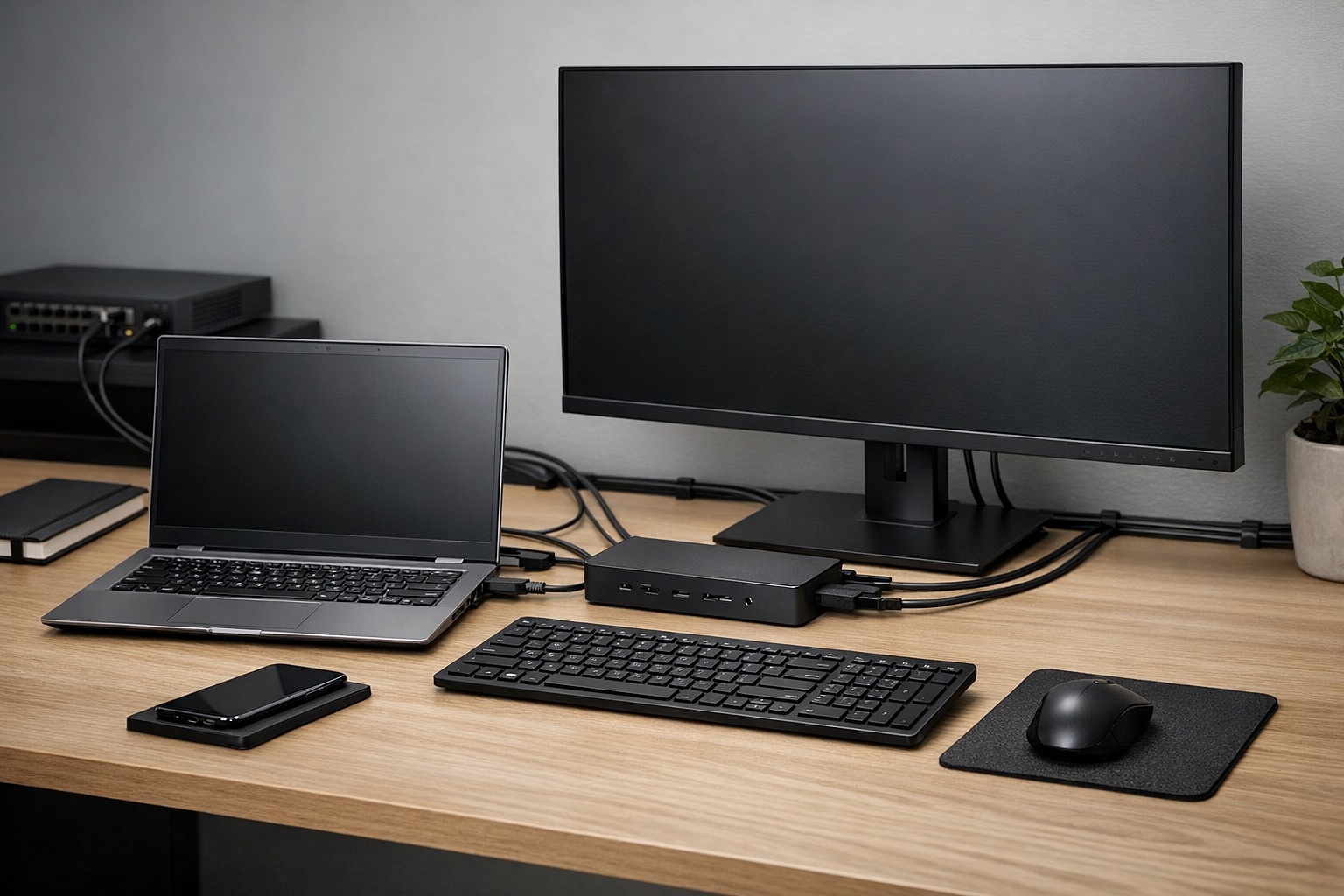
Reliable Laptops, Desktops, and Workstations for Your Team
We handle setup and upkeep throughout a business computer’s working life, from preparing it for a new employee to planning its replacement.
- Laptop and desktop setup: Prepare business laptops and desktops for the employees who will use them.
- Workstation configuration: Configure device settings around the person’s role and everyday work.
- Standard device deployment: Use a consistent baseline for repeatable setups across agreed devices.
- User profiles and access: Set up employee profiles and check access before handover.
- Application installation: Install required business applications and test that they work.
- Patch coordination: Coordinate operating system and software updates for supported devices.
- Maintenance and review: Review configurations and correct settings that cause recurring issues.
- Device refresh planning: Plan equipment replacement around business needs and device condition.
- Ongoing reliability: Address performance, stability, and compatibility issues over the device lifecycle.
The devices your people work on every day
We work with business laptops, desktops, and workstations. We’ll confirm which other devices can be included when we review your needs.
- Laptops: Prepare employee laptops with the applications, access, and settings their work requires.
- Desktops: Bring office computers to a consistent standard and maintain the devices in scope.
- Workstations: Configure workstations for the people, applications, and business tasks they support.
Replacing equipment? See our hardware and software procurement services. Supporting a distributed team? Explore remote workforce solutions.
Make each setup easier to use and support
Consistent setup makes computers easier to use and support. When equipment is replaced or new employees join, your team can follow a repeatable process instead of rebuilding each workstation from scratch.
- A baseline that fits the role: Agree the applications, user access, and settings a person needs, then use that baseline for future deployments.
- A smoother equipment change: Plan device replacement, profile setup, and data migration around the employee’s work.
Keep supported devices current and reliable
Business computer maintenance keeps supported devices up to date and helps address problems before they become recurring support requests.
We install, configure, and maintain business computers. For day-to-day employee troubleshooting beyond device upkeep, see Helpdesk Support.
- Updates and configuration: Coordinate patches and software updates, clean up inconsistent settings, and review device configuration.
- Performance and compatibility: Review stability and application compatibility, then address recurring device problems.
- Access and lifecycle planning: Review user access and device condition, and plan refresh work as equipment ages or business needs change.
Resolve the issues that keep coming back
Different settings, outdated software, and aging hardware often cause recurring computer problems. We review the affected devices, correct configuration issues, and improve the setup process for future deployments.
- New employees joining the team: Prepare the device, required applications, and access before handover.
- Inconsistent settings across computers: Review the differences and bring agreed devices to a consistent standard.
- Outdated software or compatibility problems: Coordinate updates and test the applications employees need.
- Aging equipment and planned replacements: Plan the refresh, user profile, and data migration.
- Recurring performance or stability issues: Review affected devices and address the underlying configuration or hardware concerns.
Ready for the person using it
A consistent sequence helps make sure the applications, settings, and access are checked before handover.
- Confirm: Confirm the employee’s role and the device they need.
- Prepare: Prepare the agreed standard configuration.
- Configure: Set up applications, access, and user settings.
- Update: Apply the agreed updates and security settings.
- Test: Check the device and applications for everyday use.
A consistent setup for a 45-person team
A financial consulting company in Manhattan and Nassau County used 45 mixed PCs and laptops with inconsistent operating systems, applications, and settings.
- 45 min — new computer onboarding after standardization
- 65% — fewer endpoint-related support tickets
- 30 min — profile and data migration
- 15 PCs — included in a planned equipment refresh
- A standard built around roles: DK’s Enterprises standardized operating system configuration, applications, access, and security settings for the company’s employee roles.
- Updates coordinated after hours: Operating system and software updates were centralized and scheduled outside working hours.
- A planned refresh: The team replaced 15 PCs as part of a planned refresh, migrating employee profiles and data to the replacement computers.
Before the work
Inconsistent devices created delays and a substantial share of the company’s support requests.
- 2–3 days — to prepare a new computer
- 30% — of support requests involved endpoint issues
- Nearly a day — for a computer replacement
These setup times, migration results, and ticket reductions describe this customer’s project. The work and outcomes for another environment depend on its devices, applications, and requirements.
Practical help throughout a computer’s working life
We work with small and mid-sized businesses that need help setting up new devices, replacing equipment, or bringing existing workstations up to a consistent standard.
Our team supports business computers and workstations in Queens, Brooklyn, Nassau County, Manhattan, and northern New Jersey.
25+ years supporting business IT. DK’s Enterprises was incorporated in New York in 1999. Our office is at 159 Doughty Blvd, Suite 1, Inwood, NY 11096.
- A repeatable setup process for agreed devices
- Role-appropriate applications, settings, and access
- Application and everyday-use checks before handover
- Coordinated updates and configuration reviews
- A plan for equipment refresh and replacement
- Maintenance for the devices included in your service
Endpoint setup and maintenance, explained
What is included, which devices we cover, and how we help as your team changes.
What is included in endpoint installation and maintenance?
It covers desktop and laptop deployment, workstation setup, application installation, access permissions, updates, and ongoing maintenance for the devices included in your service.
Does this service cover both laptops and desktops?
Yes. We work with business laptops, desktops, and workstations. We’ll confirm which other devices can be included when we review your needs.
Can you help with new employee device setup?
Yes. We prepare the device, install the applications the employee needs, and check their access before handover.
Is this only for new devices?
No. We also maintain existing computers, correct inconsistent settings, and address aging hardware or recurring device issues.
Why is endpoint maintenance important?
Regular maintenance keeps devices updated and helps catch configuration, performance, and compatibility problems. It also makes computers easier to support over time.
Planning a Device Rollout or Refresh?
Whether you’re replacing laptops, preparing workstations for new hires, or dealing with recurring computer problems, we can help plan and carry out the work.
Tell us how many devices you use, which applications employees need, and what you want to improve. We’ll recommend the setup and maintenance work that fits your team.