An immutable backup is protected against certain changes and deletion for a defined period. This protection matters when an administrative mistake or attack could affect both working data and ordinary backups. The word immutable in a product description, however, does not answer the key questions: what is locked, who can remove the restriction and whether the required state can be recovered.
Start with a loss scenario. For example, an attacker gains backup administration permissions and tries to delete the history. Then check which retained recovery points would survive that scenario. This is more useful than choosing a solution solely on a promise of ransomware protection.
How immutability works
One mechanism is WORM: data is written once and can be read many times. The system prohibits changes to a stored object as defined by the mode. Other implementations impose restrictions at the service or storage level. Check the actual mechanism, supported resources and scope rather than assuming all implementations are identical.
A lock usually applies to an existing recovery point or protected objects. It does not confirm that a job captured all required data, that new jobs will continue or that the recovery catalog and software will remain available. Check these parts of the chain separately.
Modes differ in permissions and reversibility
In a mode with an administrative exception, a specifically authorized user can remove protection. In a strict mode, even the account owner may be unable to do so after final locking. Before that, there may be a period when settings can still change. Mode names, exceptions and when protection takes effect depend on the platform.
For example, AWS Backup distinguishes Governance and Compliance modes. In Compliance mode, after the designated change period ends, the lock cannot be removed while the vault contains recovery points. In Governance mode, a user with sufficient permissions can remove it. The question "can an administrator delete the backup?" therefore requires checking the selected mode.
Retention and locking periods can differ
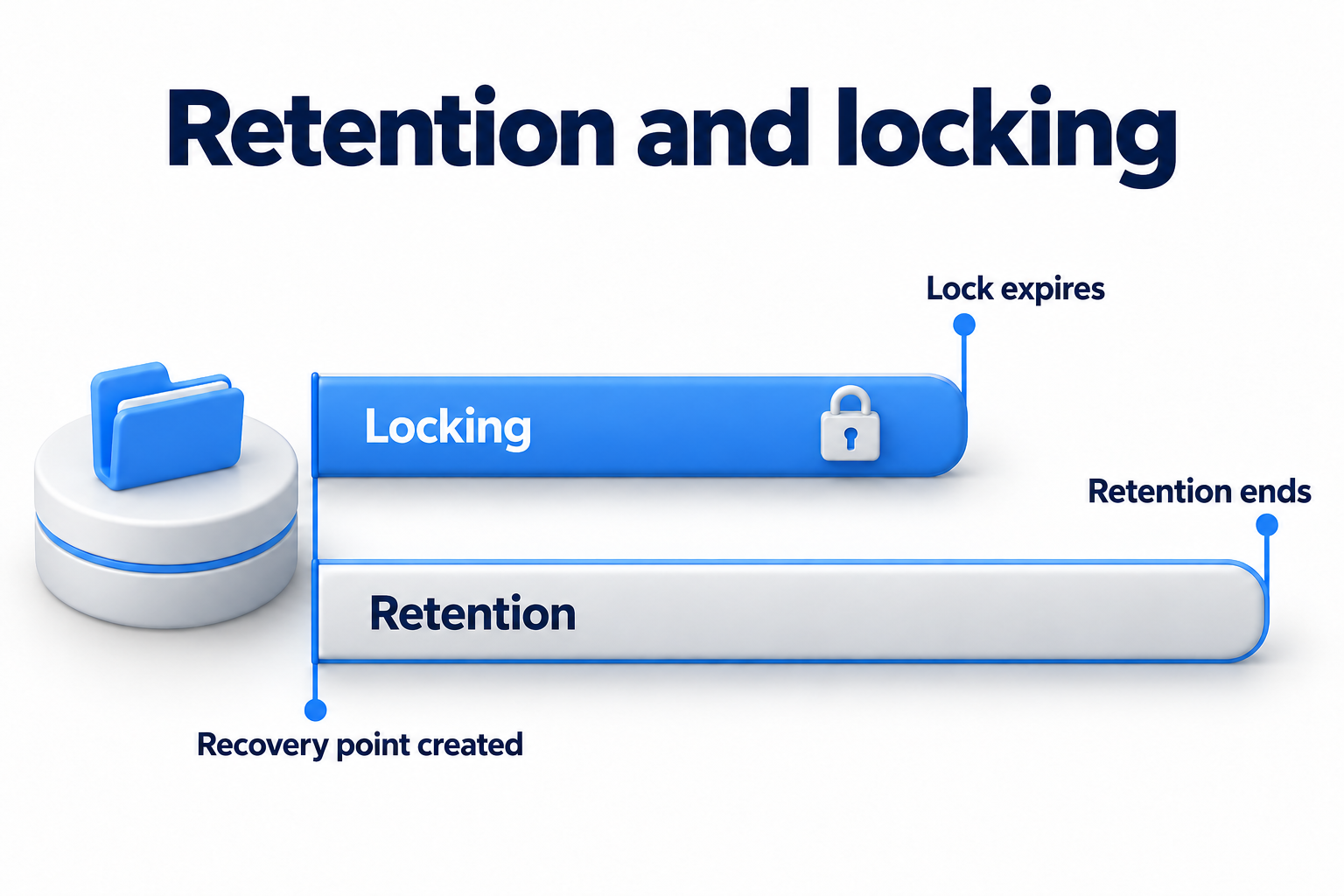
Retention defines how long a recovery point is kept. The immutability period defines how long restrictions on changing or deleting it apply. These periods sometimes match and sometimes differ. Check both values for the specific point, including old copies and new jobs after a policy change.
Current Azure Backup guidance provides protection for the full policy retention period as well as a separate fixed duration. In the latter case, a recovery point may remain stored after the lock expires but no longer have the same deletion protection. Final locking is irreversible. Available options depend on the vault type, resource and region. Do not apply these conditions to other products without checking.
Do not confuse immutability with other measures
Different properties of backup protection
|
Measure |
What it restricts |
What it does not prove by itself |
|---|---|---|
|
Immutability |
Changes to or deletion of protected data under specified conditions |
Clean source data, key availability and successful application startup |
|
Physical disconnection |
Network access to disconnected media |
Protection while connected, physical site safety and ease of retrieval |
|
Logical isolation |
Access through particular networks, roles or management boundaries |
The absence of every access path or irreversible locking |
|
Encryption |
Reading data without the required keys |
Protection against deletion, lost keys or stopped backups |
|
Versions and snapshots |
Return to an available earlier state within the service's capabilities |
The inability to delete all history using shared permissions |
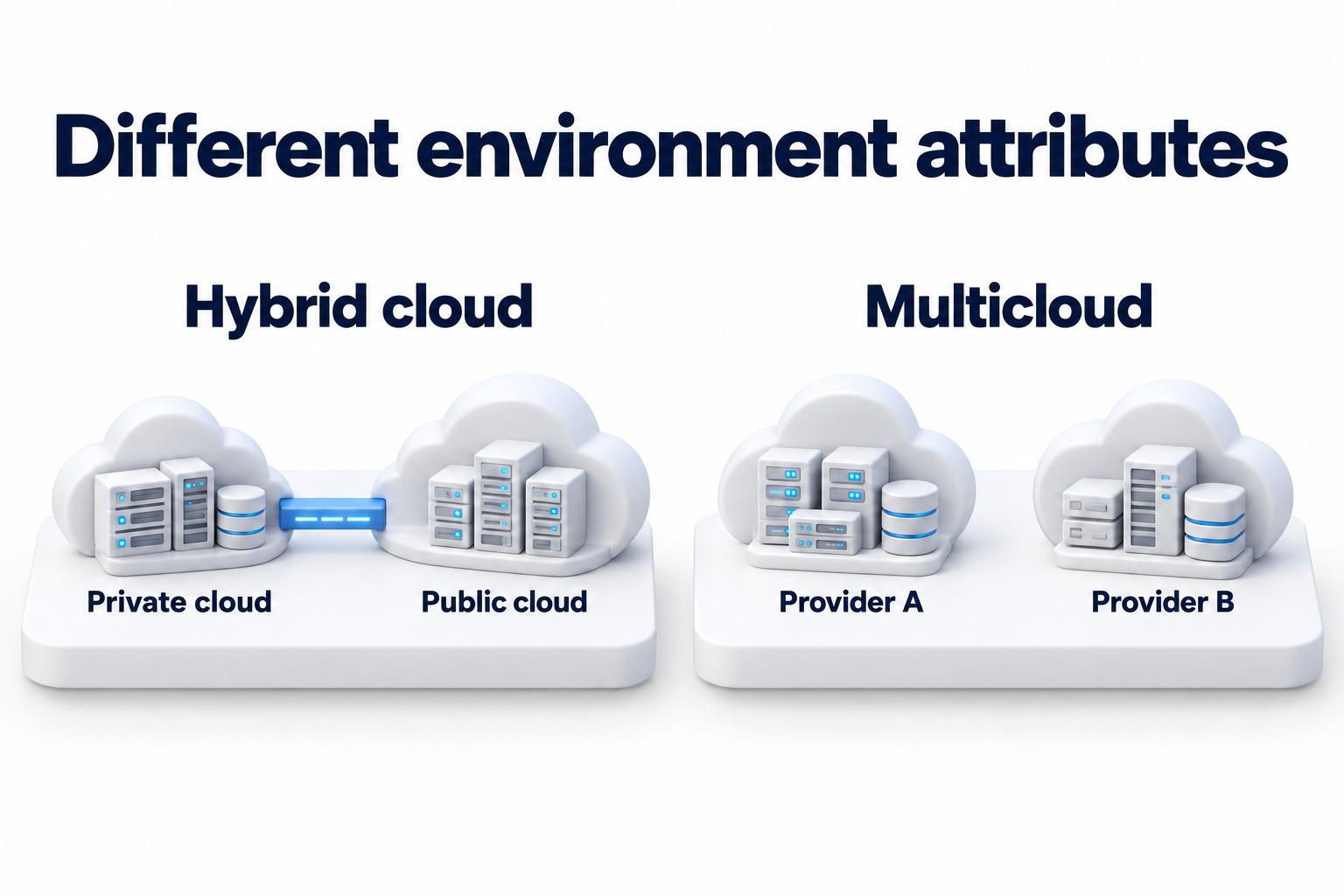
A separate site helps when the primary premises are lost. A separate account may reduce shared administrative risk. Neither an external address nor another provider automatically creates a physically disconnected copy. List actual access paths, shared accounts and dependencies.
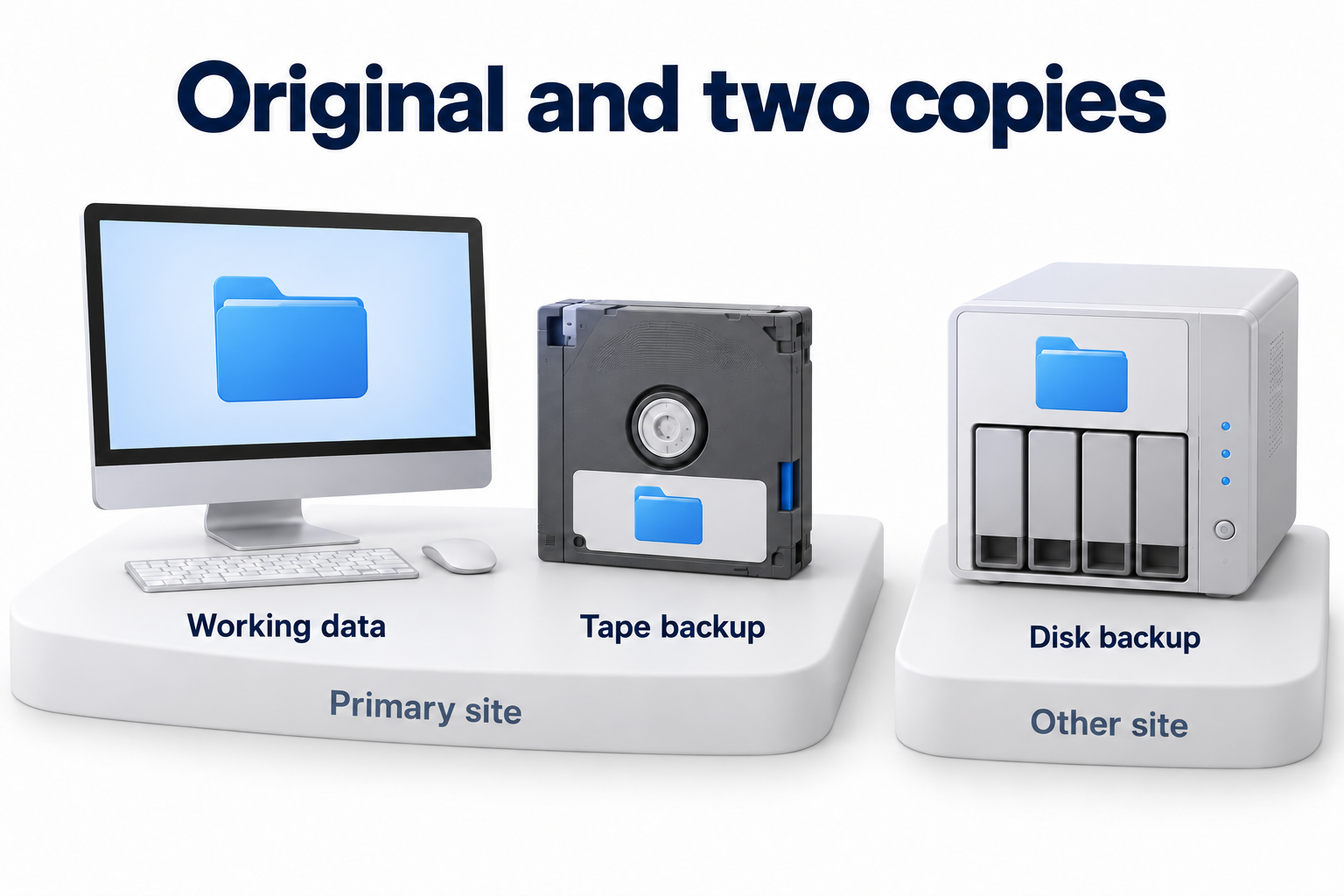
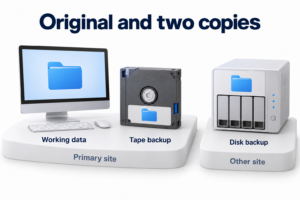
The three two one rule describes copy counts and separation. Immutability adds protection to specific copies but does not replace the full placement plan. It also does not require treating all cloud storage as independent of the production environment.
Which risks remain after locking?
Stored data may already contain an error
Immutability preserves the state that was recorded. If a backup contains damaged files, malicious changes or incomplete data, a lock will not repair them. Recovery needs a usable point before the corruption and enough history to find it. An attack may be discovered long after it began.
Checksum verification helps detect data changes, but does not itself prove that an application works or contains no malicious content. Check scope, integrity and work operations in a safe environment. During an incident, define a separate process for checking and approving restored data for use.
The objects can survive while access is lost
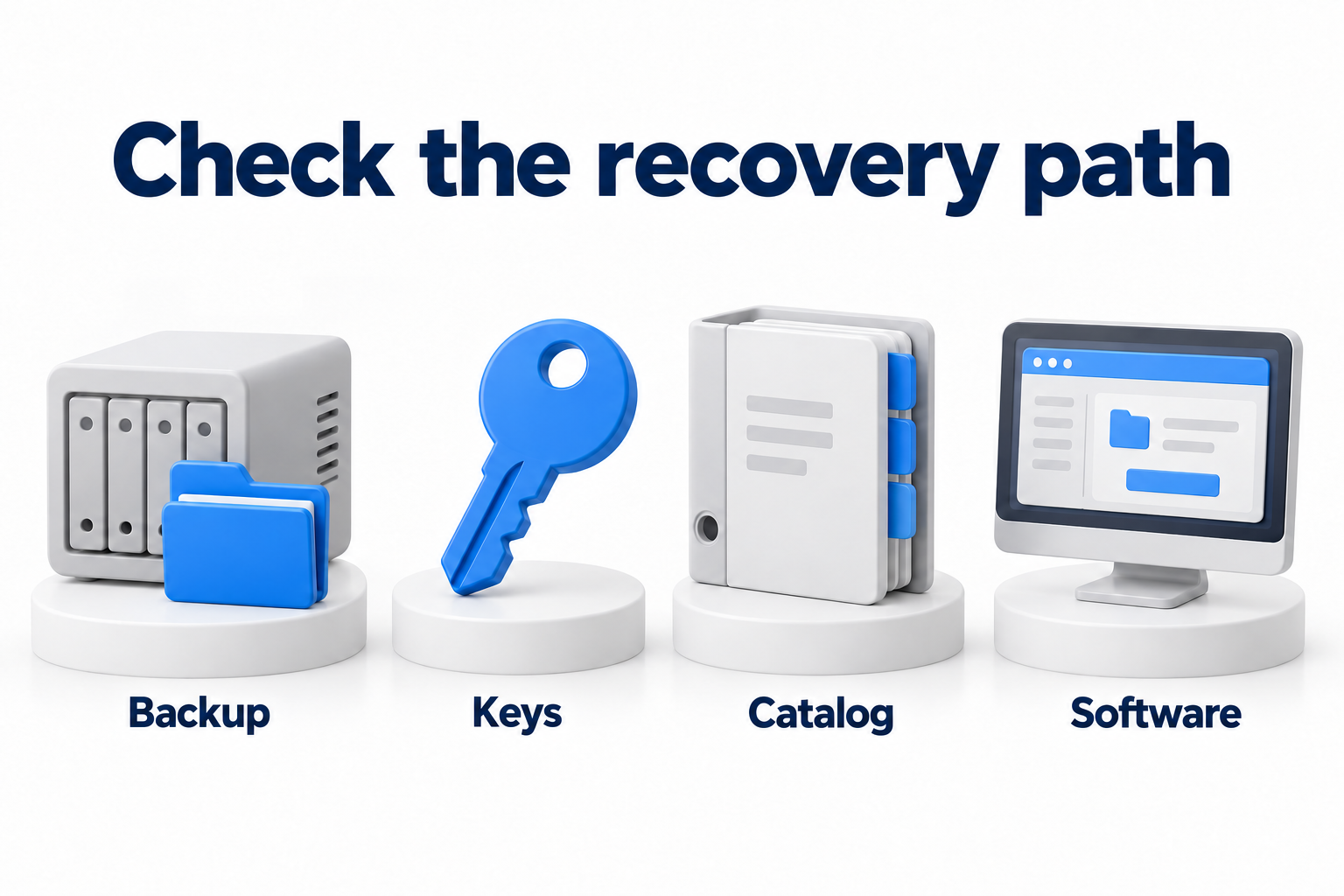
An encrypted backup requires access to decryption keys. Also check which software, catalog and environment recovery needs. Clarify who will obtain these components if the usual administrator or primary authentication service is unavailable. Platform restrictions, account status and support for the specific resource may also affect recovery. Check account closure and service termination terms separately. A ban on ordinary deletion operations does not guarantee data preservation in those events.
Immutability does not prevent reading or stealing data if the attacker has the necessary permissions. It also does not guarantee new copies after jobs stop. Separate administrative roles, limit permissions, protect administrative access and monitor missed jobs, configuration changes and deletion attempts.
Protection may expire before the history is needed
Compare the locking duration with the corruption detection period and required recovery depth. Then check what happens when protection expires: whether policy deletes the point, it becomes available for ordinary deletion or it enters another mode. Do not assign the same number of days to all data just because a provider's example uses it.
Immutable backups can help preserve unchanged history for review or investigation. They do not set mandatory document retention periods or prove compliance with every legal requirement. Agree on specific data requirements and deletion exceptions before final locking.
What to check before irreversible locking
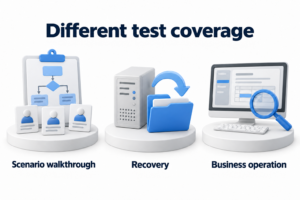
Test a limited, approved data set and retain the results. Do not start with destructive actions against production backups. Use an authorized test object and an agreed procedure to check deletion restrictions. After final locking, ordinary deletion may no longer correct some settings.
Immutable backup assessment matrix
|
Question |
What to record |
How to verify it |
|---|---|---|
|
What is protected? |
[Systems, resources, recovery points and exceptions] |
List of covered objects and support restrictions |
|
Who can remove protection? |
[Mode, privileges, change window] |
Official conditions and testing of permitted operations |
|
When does the restriction apply? |
[Start and end of the lock] |
Actual properties of the test recovery point |
|
How do the periods relate? |
[Retention, locking, exceptions] |
Checks of old points and new jobs |
|
How can data be retrieved? |
[Keys, catalog, software, environment] |
Recovery with the primary environment unavailable under the agreed scenario |
|
How will a problem be detected? |
[Monitoring of jobs, permissions and deletion attempts] |
Owner and tested notification route |
|
How are costs accounted for? |
[Volume, growth, retrieval, unavoidable retention] |
Calculation under the selected platform's terms |
|
Who accepts the result? |
[Data owner and technical owner] |
Test report and agreed limits |
Separately assess the cost of data that cannot be deleted early. Growth, an overly long period or accidentally indefinite history can lock in expenses. Include retrieval, transfer and recovery preparation. A low storage price alone does not show the cost of the entire solution.
Do not judge security solely by words such as cloud, simple or integrated. Check which components enforce deletion restrictions, who changes the configuration and how lost protection is detected. A convenient architecture is useful when its properties can be verified rather than merely described in a presentation.
How to confirm that protection supports recovery
- Check that the required recovery point is actually under active protection.
- Confirm the selected mode's behavior and administrative exceptions on test objects.
- Test data retrieval and key access without the normal authentication path if the plan includes that scenario.
- Restore the agreed data into a safe environment and test a work operation.
- Record the age of the usable recovery point and the actual time to restore the operation.
- Record limits, errors, remediation owners and the retest result.
CISA recommends maintaining offline, encrypted backups of critical data and regularly testing their availability and integrity during recovery. Immutability can form part of this protection, but does not replace outcome testing or other security measures.
Repeat the assessment after changes to the product, mode, retention period, keys or protected resource scope. Monitor protection on new points and lock expiration on old ones. For each backup, confirm the protection period, deletion restrictions and recoverability.
Need to assess backup protection and recovery limits? Contact DKs Enterprises about backup and disaster recovery. Prepare the resource list, locking modes and test results to discuss the required work.