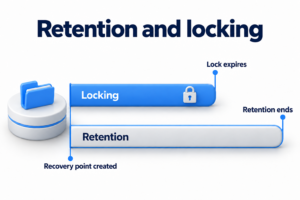
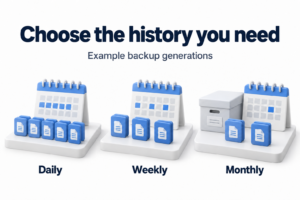
A disaster recovery test answers a practical question: can the team restore the required business operation under agreed conditions? A backup, document or recovery site does not yet answer it. The team must execute the selected recovery path, check data and dependencies, measure the result and close the gaps found.
The starting document here is the current recovery plan. Testing does not replace developing it, assessing every company risk or planning business continuity. If the system, owner, priority or readiness criterion is unknown, clarify those inputs first. Otherwise, a successful server startup can easily be mistaken for recovery of the whole process.
Define the question the exercise must answer
Choose one clear hypothesis. For example: can order processing be restored if primary storage is unavailable? State which part of the environment is assumed lost and which normal tools cannot be used. Do not let the team quietly rely on the component whose failure it is meant to test.
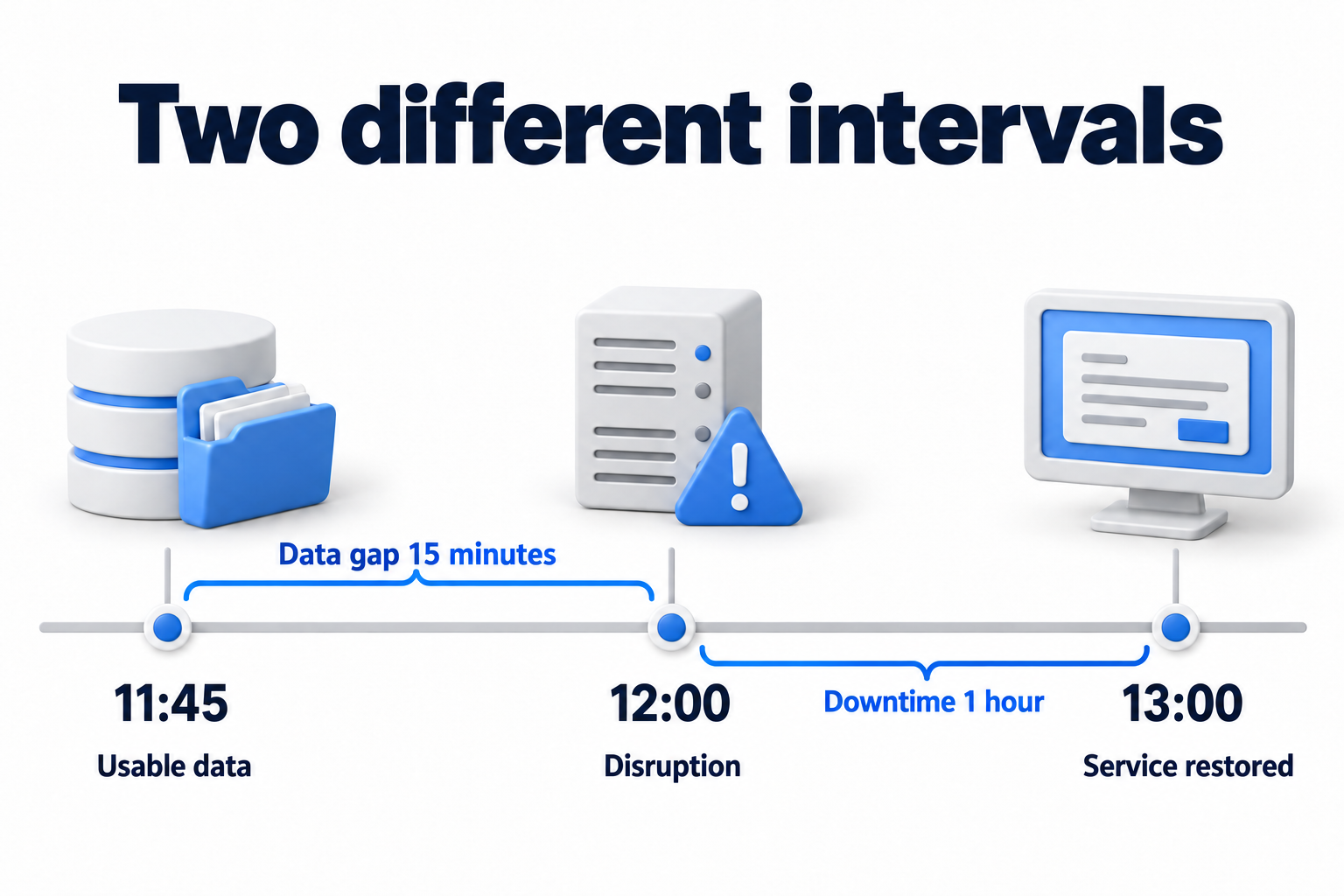
Use the agreed RPO and RTO objectives as inputs. Record the acceptable age of a usable recovery point and the maximum time to return the operation. Clarify which event starts the clock and what counts as completion. File copying, virtual machine startup and confirmation of a business operation measure different stages.
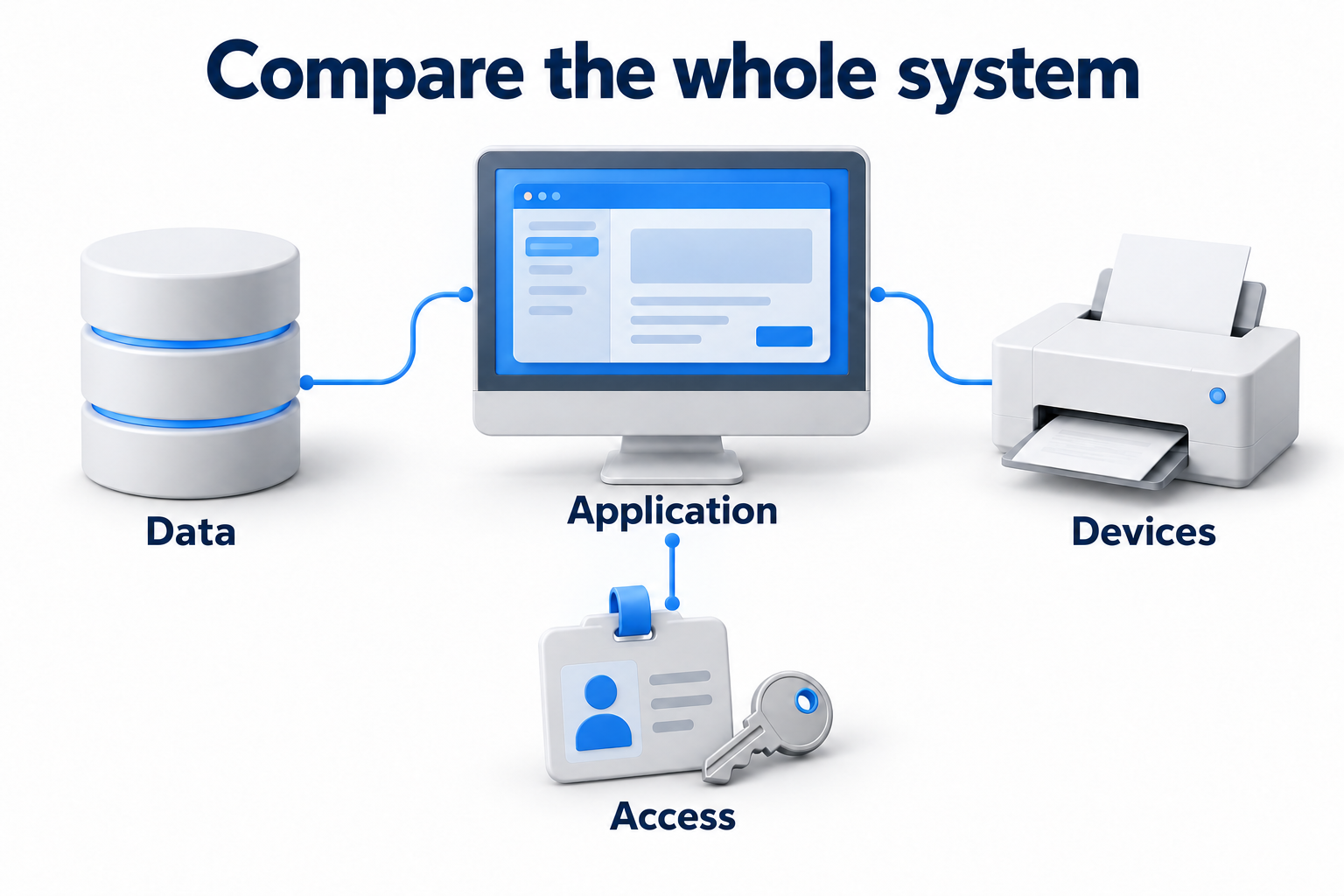
Define the minimum working outcome with the process owner. For an application, this may include a user login, access to required data and completion of an agreed operation. The test must cover necessary dependencies: authentication, the network, permissions, databases, integrations and external services. The specific set depends on the system.
Choose the test type and the limits of its conclusions
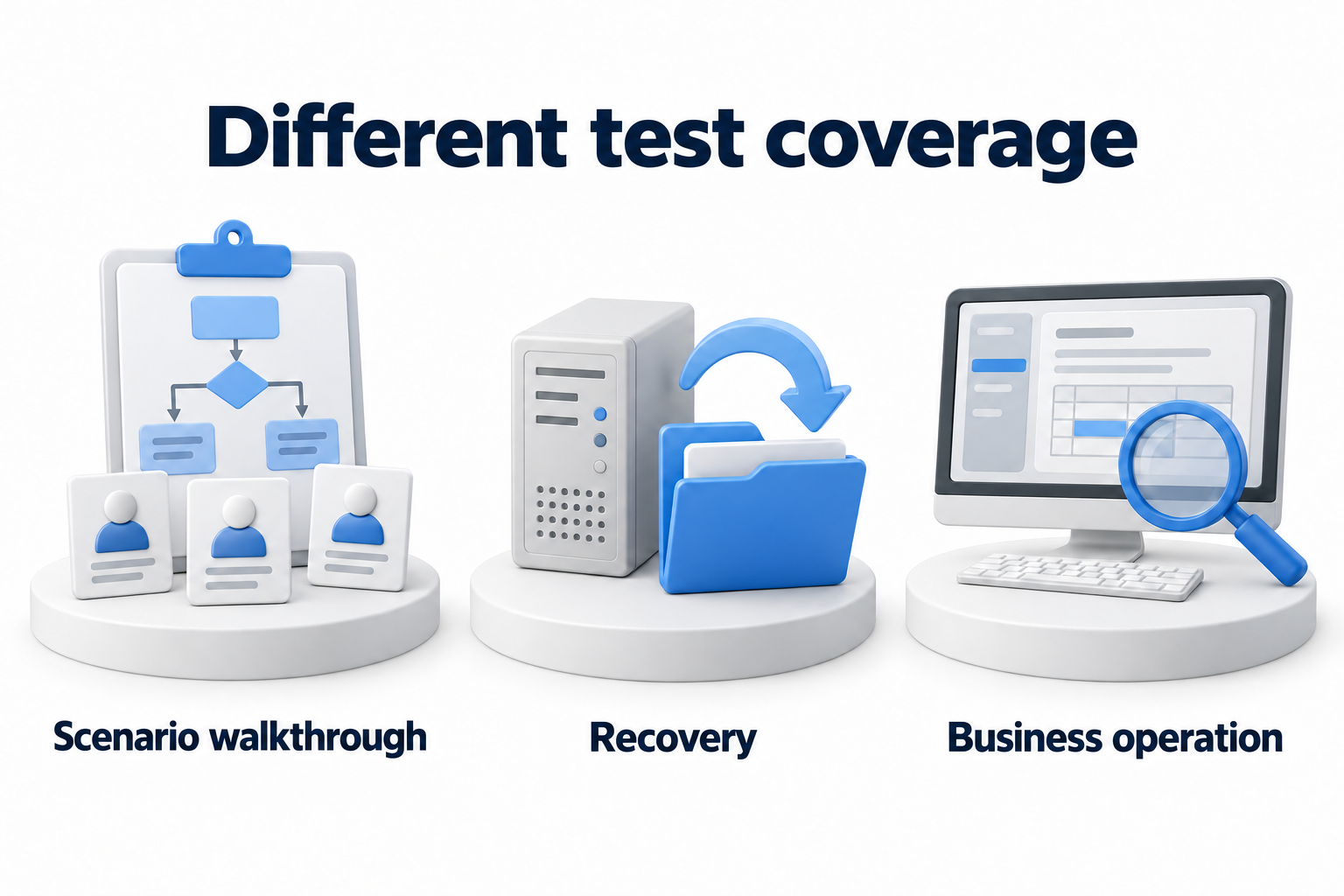
The strength of the conclusion depends on actions actually performed
|
Type |
What it checks |
What cannot yet be concluded |
|---|---|---|
|
Scenario walkthrough with participants |
Decisions, roles, sequence and availability of instructions |
That data was actually restored within the required time |
|
Recovery of a single component |
Retrieval and usability of the selected backup, and component startup |
That the entire connected process is ready for work |
|
Recovery of a connected service in a test environment |
Dependencies and the business operation within the defined scope |
That production load and all real constraints were reproduced |
|
Failover to a recovery environment |
The agreed failover path, access and servicing of operations |
That failback and reconciliation of new data were also tested |
|
Comprehensive exercise |
Team coordination and several connected paths |
That every possible disaster was tested |
Start at a level the team is ready for. A scenario walkthrough helps find unclear authority and unavailable contacts. It does not replace technical recovery. In a more complex exercise, distinguish actions that are only discussed from actions actually performed. The report must make these results distinguishable.
Prepare safe conditions and participants
Agree on actions, stopping and return procedures
Appoint a test leader, implementers, an observer, the owner of operational acceptance and a person authorized to stop the exercise. Name substitutes and contractors if recovery requires them. Check their access and availability in advance. Agree on a work window and notify those who may be affected.
Record immediate stop conditions, acceptable impact and the return procedure. Check that the team can restore a safe state if the test itself fails. Do not shut down production systems merely for realism without separate authorization and preparation. Practice dangerous actions in a limited environment first if needed.
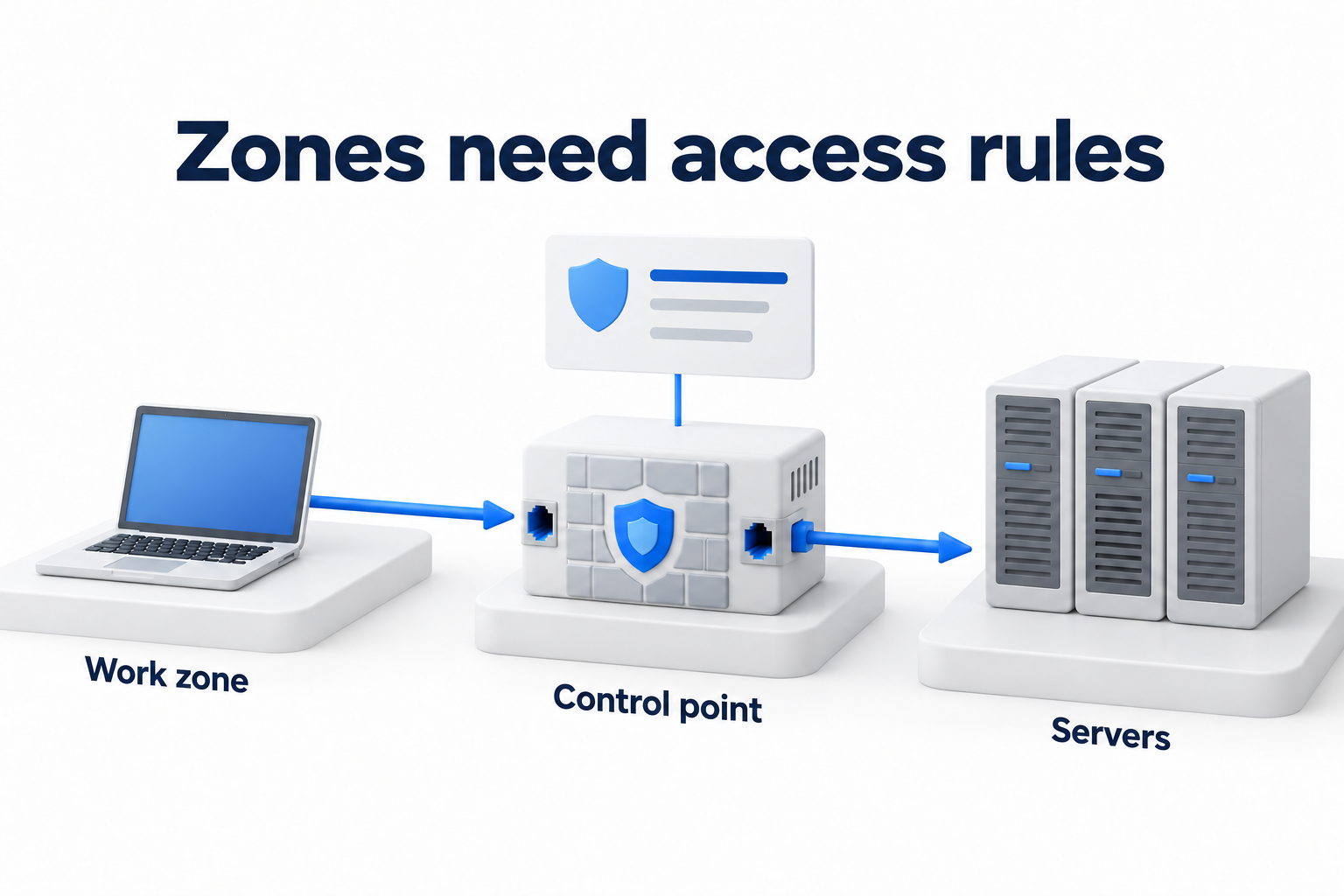
Identify where the test and production environments interact. Isolate unnecessary external connections and actions that could send real emails, payments or integration commands. Use data under the current access policy. Production secrets and sensitive data must not enter an openly accessible test report.
Check resources and access paths
- Identify instruction versions, the system configuration and a map of required dependencies.
- Confirm a suitable recovery point and how to retrieve it.
- Check keys, the catalog, recovery software and required permissions.
- Clarify recovery environment capacity, available space, quotas and network limits.
- Ensure access to instructions and contacts when the primary site is unavailable.
- Agree on a backup communication channel and how to contact external participants.
- Prepare a log of times, evidence, decisions and deviations.
AWS specifically highlights changes to recovery environment configuration, quotas and capacity. Capabilities sufficient for the previous test may no longer be enough after workload growth. A repeat test therefore uses the current environment and known differences rather than only an old successful report.
Execute the scenario and separate facts from assumptions
Before starting, record the initial state, selected backup, participants and limits. Give the agreed start signal. Follow the procedure in order, logging the start and end of significant stages. If instructions are incomplete, record the manual decision required and who approved it. Do not rewrite the action history afterward.
Record deviations from the scenario. For example, the team may obtain a key through a normal work channel that was supposed to be unavailable. That action may help finish the exercise but does not confirm the original hypothesis. Retain the limitation and assign a separate test of the unproven path.
After technical startup, the process owner performs the agreed acceptance check. Confirm data completeness and currency, required permissions, integrations and the business operation. If testing load, state its volume and conditions. A small test does not justify claiming readiness for any production load.
Measure the actual result against the objectives
To assess data loss, compare the simulated disruption time with the latest usable point actually restored. What matters is the point successfully used, not the time of the latest job marked successful. If its data is corrupted, find an earlier usable state and record the new gap.
Use the agreed start and end of measurement to assess duration. Also retain intermediate stages: detection, the recovery decision, environment preparation, data retrieval, startup and operational acceptance. This shows where the delay occurred. Do not call the target RTO the actual time or exclude an inconvenient stage without explanation.
Assess the result against the full set of criteria. Meeting the time target is not enough if data verification fails or an important function is unavailable. If some conditions were simulated, state which conclusions actual execution confirms and which remain assumptions.
Check completion and return
For a failover scenario, decide in advance whether to test failback. New data created in the recovery environment needs an agreed transfer and reconciliation procedure. Do not simply start the old production instance without resolving discrepancies. An authorized owner confirms the return, not just the infrastructure administrator.
After the exercise, disconnect unnecessary test connections, remove or retain test data under the agreed policy and restore temporary permissions to their normal state. Check that backup and monitoring have resumed wherever settings changed temporarily. Test completion also needs confirmation.
Prepare a report with verifiable evidence
Copy the form and complete it with actual results. If one scenario tests several systems, use separate result rows or clearly linked appendices. Do not replace an unknown value with "successful." Fields with incomplete verification need an owner for the next action.
Disaster recovery test report
|
Report field |
What to record |
|---|---|
|
Scenario and boundaries |
[Failed components, unavailable tools, operation under test] |
|
Configuration and version |
[System, dependencies, instructions, date and participants] |
|
Objectives and acceptance |
[Agreed RPO, RTO, clock start and readiness criteria] |
|
Type and safety |
[Actions performed, simulations, authorization, stopping and return] |
|
Recovery point |
[Identifier and timestamp of usable restored data] |
|
Timeline |
[Start, significant stages and confirmation of operational readiness] |
|
Expected and actual |
[Target and actual values, operation test result] |
|
Evidence |
[Logs, test results and protected links] |
|
Limits |
[Simulations, environment differences, untested dependencies] |
|
Deviations and fixes |
[Error, impact, owner, deadline and required retest] |
|
Completion |
[Return, data reconciliation, removal of temporary access and confirmation] |
|
Acceptance |
[Technical owner, process owner and decision on the result] |
Close errors and schedule the next test
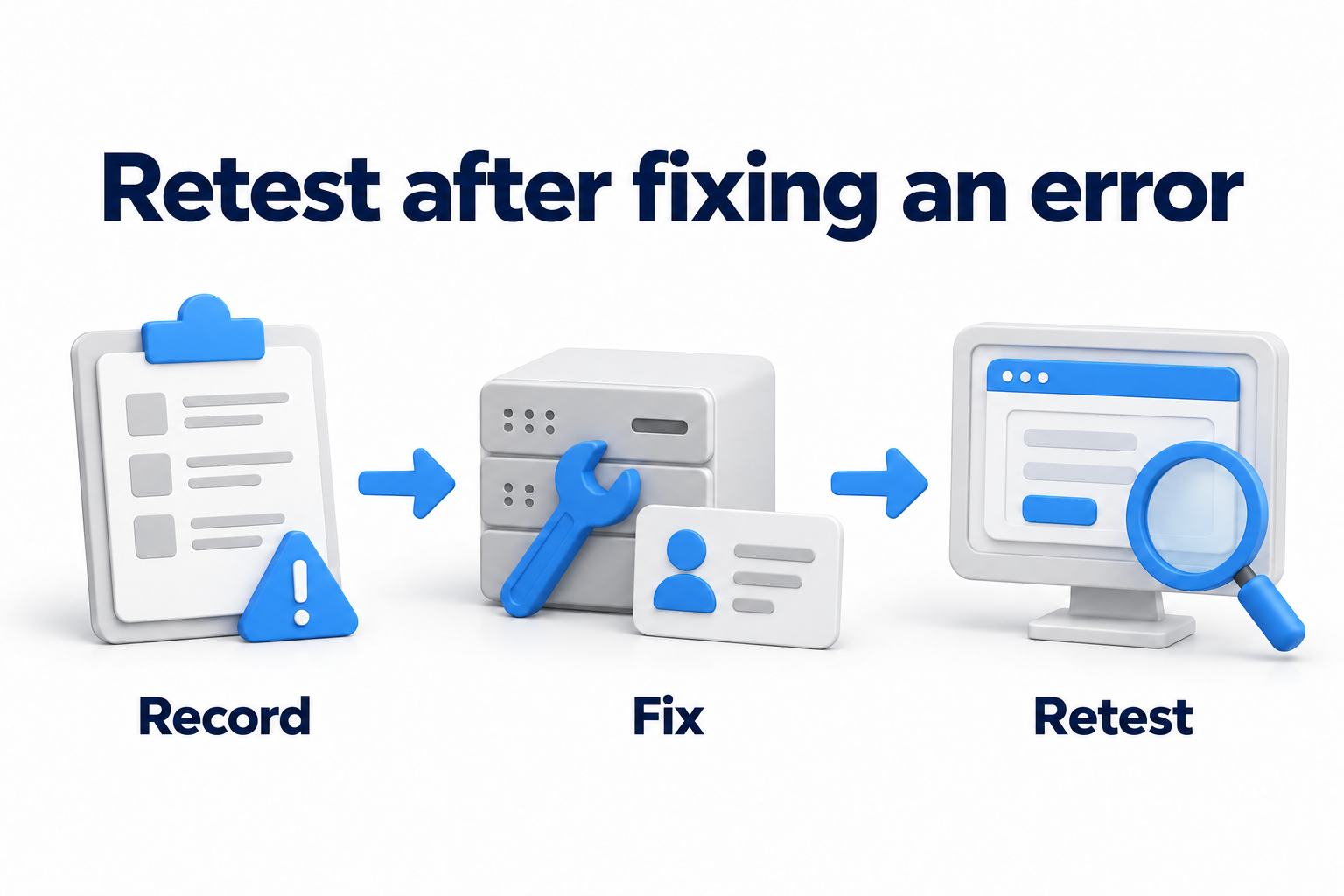
Review the result with participants. Separate resource shortages from problems with instructions, access and coordination. Assign an owner, deadline and clear remediation criterion for each significant deviation. Update procedures, contacts and configuration, then retest the changed path. A note saying "taken into account" does not close an error without evidence.
Show management readiness within the tested scope: which operations are confirmed, where objectives were missed and what remains untested. Automation can collect timings, perform repeatable steps and retain a log. Its scenarios, authority and results also need verification; they do not guarantee success by themselves.
Criticality, changes, past errors and applicable requirements determine frequency. Also plan tests after significant changes to the system, site, data, team or provider. A universal rule that once a year is enough for everyone ignores these differences. Check whether dependencies change between scheduled exercises.
Need to prepare or run a recovery test? Contact DKs Enterprises about backup and disaster recovery. Provide the scenario, agreed criteria and previous results to discuss the scope of work.