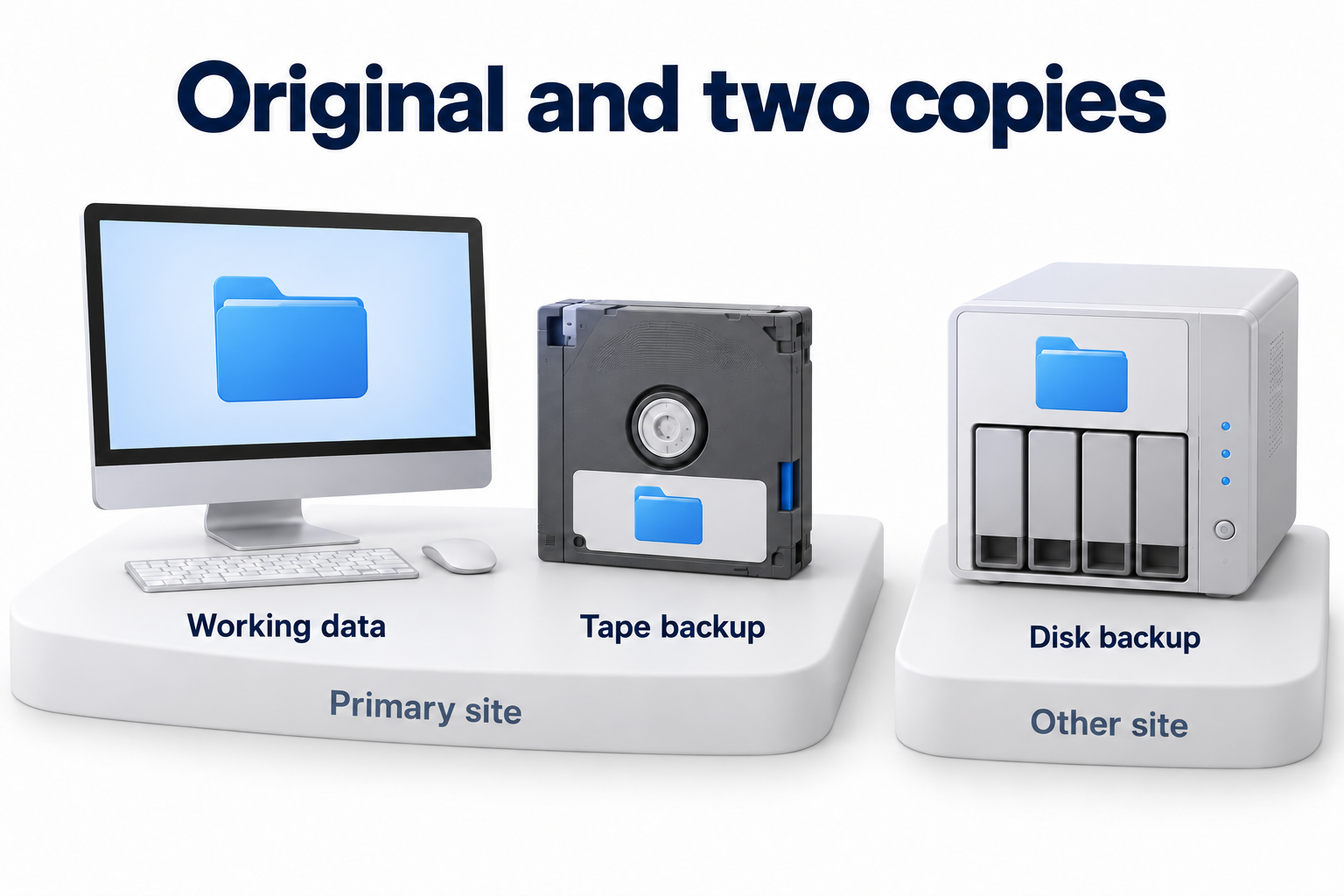
The three two one rule helps check whether all data protection depends on one location or device. Its classic wording is simple: three copies of the data, two different media types and at least one copy outside the primary site. Counting alone is not enough, however. You need to understand which failure could affect each copy and whether it can restore operations.
In the US CERT guidance, the three copies include working data and two backups. It does not require three backups in addition to the original. Two media types and an offsite copy reduce dependence on one cause of failure.
Define the data and recovery outcome first
Start with business systems rather than buying a drive. Identify the files, databases, email data and settings needed to restore important operations. Check that application configurations and information needed to use the data are included. For SaaS, clarify actual coverage of objects, relationships and available recovery operations.
Assign an owner to each protected system. That owner confirms the data scope and acceptable loss of recent changes. IT checks how to obtain a usable recovery point and how long returning a working service will take. The placement rule does not automatically set RPO and RTO.
Understand what each number means
All three copies must remain usable
The working copy supports current operations. Backup copies must allow a return to the required state if working data is lost or corrupted. Two folders on one disk do not provide independent protection against that disk's failure. Several job names also do not prove that several usable copies exist.
Check what restoring each copy actually requires. An incremental chain may depend on the original full backup and intermediate data. If a required part is missing, the counted collection of files will not deliver the expected result. Record these dependencies in the diagram even if the software hides them in its interface.
Two storage types reduce shared risk
The classic rule calls for different media types. Modern environments also require assessment of storage system independence. One failure, administrative error or loss of access must not destroy the whole set. Two disks in one array, two folders in one service or copies under one unprotected administrator may share substantial risk.
Choose storage based on volume, retrieval speed, manageability and access conditions. Local media, separate storage and cloud copies have different limits. Tape, the cloud and an external disk are not the right choice simply because of their names. Consider restore compatibility, equipment maintenance and access to required keys.
Keep one copy outside the primary site
An offsite copy addresses loss of the primary site, such as damage to the building or an infrastructure outage. A neighboring cabinet is not another site for that scenario. Record the data's actual location and the conditions for accessing it.
Offsite and offline mean different things. Remote storage may remain continuously accessible through a production account. Disconnected media may sit in the same room. Check geographic placement separately from protection against changes through shared networks or permissions.
Do not count synchronization as a backup
Different mechanisms address different causes of loss
|
Mechanism |
What it can provide |
What to check separately |
|---|---|---|
|
Backup |
Points from which an earlier state can be recovered |
Coverage, versions, independence and successful recovery |
|
Synchronization |
Keeping current files aligned between locations |
Whether deletion or corruption propagates to every linked location |
|
Replication |
Copying changes and providing a standby environment |
How required history is preserved and what happens to erroneous changes |
|
Snapshot |
The state of a supported resource at a chosen moment |
Whether the snapshot depends on the same storage, access or source data |
|
Disk redundancy |
Resilience against certain hardware failures |
Protection against deletion, a shared incident, corruption and site unavailability |
A cloud drive's name does not prove that you have a backup. If deletion or encryption propagates to a linked copy, you need a separate way to obtain an earlier usable version. Check the actual configuration and available history period rather than just a cloud icon.
Map copies for your systems
Copy the review form and complete the locations, dependencies and recovery methods for your environment. If there are separate data classes, create a diagram for each important class. Name actual storage systems rather than generic categories so the team can verify each row.
Diagram of three copies with verification fields
|
Copy |
Data, media and location |
Dependencies |
Who manages access |
Evidence of usability |
|---|---|---|---|---|
|
Working data |
[System, storage type and site] |
[Authentication, network, application] |
[Service owner] |
[Data inventory and work operations] |
|
[Data, separate media or storage type, location] |
[Required chain, software, keys] |
[Approved roles] |
[Recovery point and test result] |
|
|
Offsite backup |
[Data, media or storage type, external site] |
[Connectivity, alternative access, data retrieval] |
[Roles and deletion restrictions] |
[Recovery without the primary site] |
After completing the form, ask a difficult question: what happens to every row if the main account is compromised? Then test site loss, network unavailability and accidental deletion. If each scenario leaves only hope in the same service and administrator, revisit independence.
Also check the cloud, access and isolation
Cloud resilience does not replace recovery history
A provider's distributed infrastructure may help withstand hardware failure. Platform availability, however, is not the same as preserving the required state of your data after a deletion command or application error. Replace debate over whether the three two one rule is obsolete in the cloud with checks of specific causes of loss.
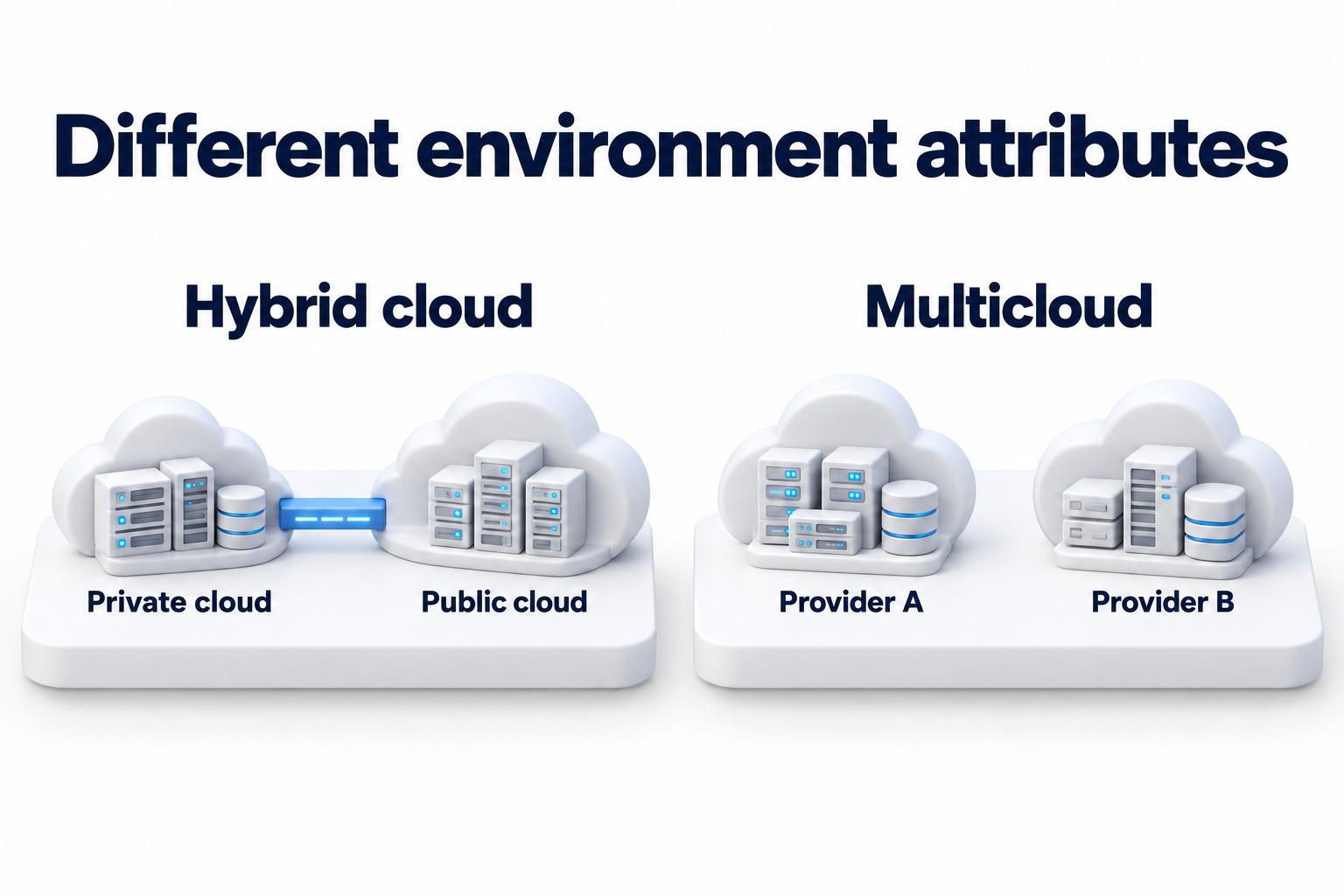
Different regions, accounts or providers can offer different levels of separation. None guarantees independence by itself. Check shared permissions, retention terms, key access, target environment compatibility and recovery when the original account is unavailable. Do not switch providers just to add another row to a table if actual verification remains impossible.
Protect copies and the ability to use them
Restrict permissions to change or delete backups, separate the necessary administrative roles and provide protected recovery access. Apply established authentication and encryption measures. Check where keys are stored and how authorized employees will obtain them if the normal work environment is unavailable.
For physical media, consider storage, transport, tracking and access to compatible equipment. For an external service, you need clear data retrieval terms, export limits and connectivity dependencies. Protection must cover more than the time a copy sits in storage: include transfer, recovery and subsequent handling.
Understand extensions of the rule
Extended schemes add an isolated or immutable copy and separate recovery checks. The three two one one zero variant usually emphasizes this added protection and verification that no errors were found. It is a useful reminder, not proof that future failures will never occur. Names and implementations can differ between providers.
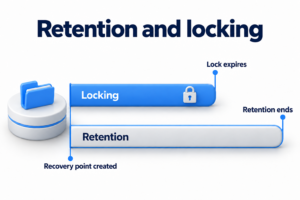
Immutability restricts changes or deletion under specified conditions. An offline copy reduces network accessibility. These properties differ and do not replace suitable retention. Choose detailed locking policies and history periods separately. The copy diagram only needs to record where the protection applies and who checked it.
Test recovery and maintain the diagram
Check the working outcome, not just job status
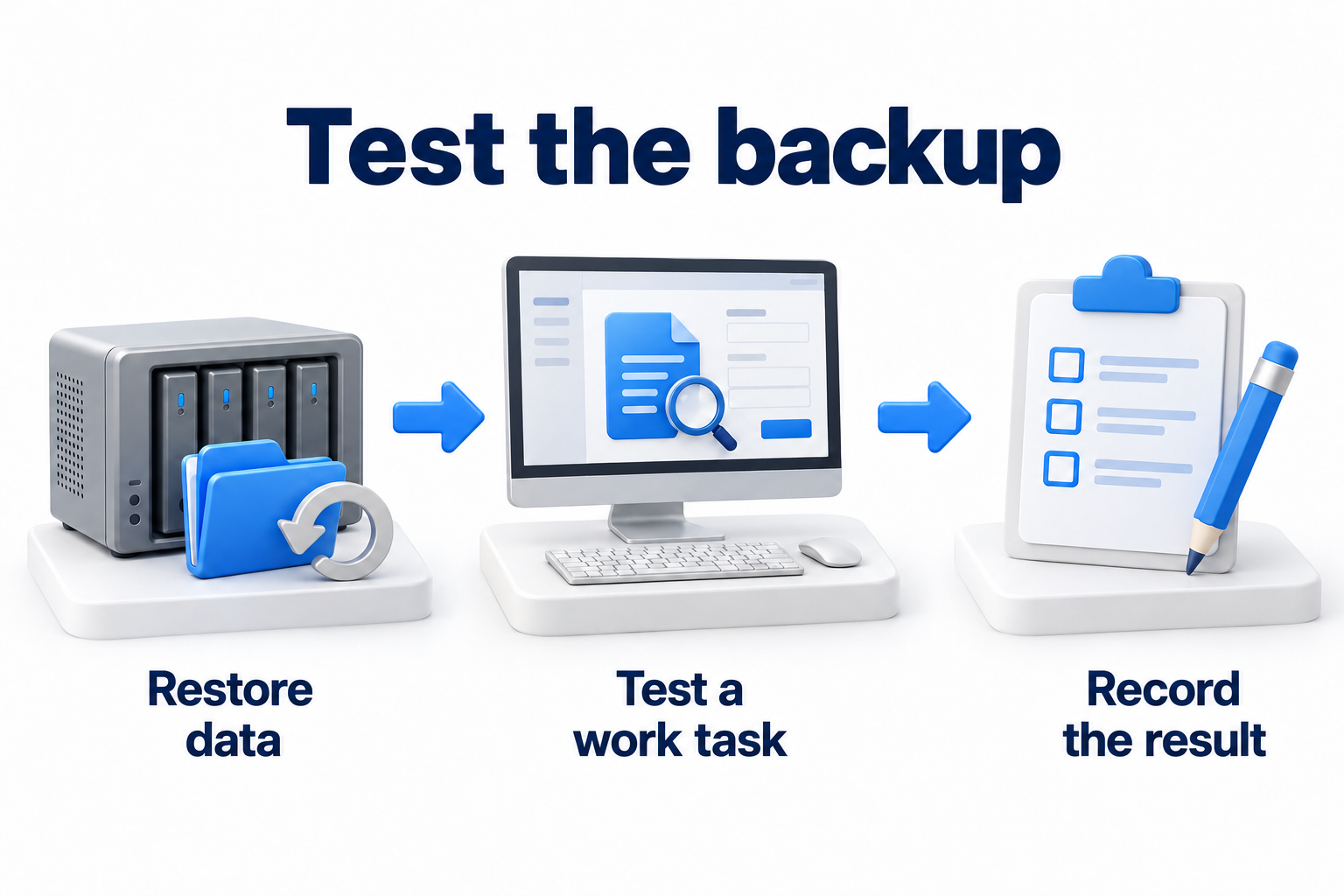
A successful backup confirms completion within the job's scope. To test it, restore the required data and perform an agreed work action. Confirm versions, permissions, integrity and dependency availability. Separately test a scenario where the primary site or usual administrator is unavailable.
CISA recommends maintaining offline, encrypted backups of critical data and regularly testing their availability and integrity during recovery. This complements placement planning; it does not turn the plan into a guarantee against every attack.
Data volume, bandwidth, storage retrieval speed and environment preparation affect duration. Costs may include history retention, backup retrieval, networking and team labor. Check these conditions in advance. A universal transfer speed or a promise to start any system within minutes is not appropriate.
Assign an owner for changes and exceptions
- Confirm the protected data scope and dependencies.
- Check the number of genuinely usable copies and their different failure causes.
- Clarify offsite placement and separate access restrictions.
- Base the schedule on acceptable data loss rather than someone else's preset timetable.
- Retain recovery results and errors found.
- Assign a remediation owner, deadline and retest.
- Review the diagram after data growth or changes to the service, site or permissions.
Set version retention and test schedules for your own needs and constraints. Daily backups or quarterly tests cannot be assumed sufficient for every workload. More copies also need oversight: an unsupported copy with an old key or an unknown deletion date does not improve a plan merely by existing.
Need to check copy separation and recoverability? Contact DKs Enterprises about backup and disaster recovery. Prepare the placement diagram, system list and recent test results to discuss the required work.