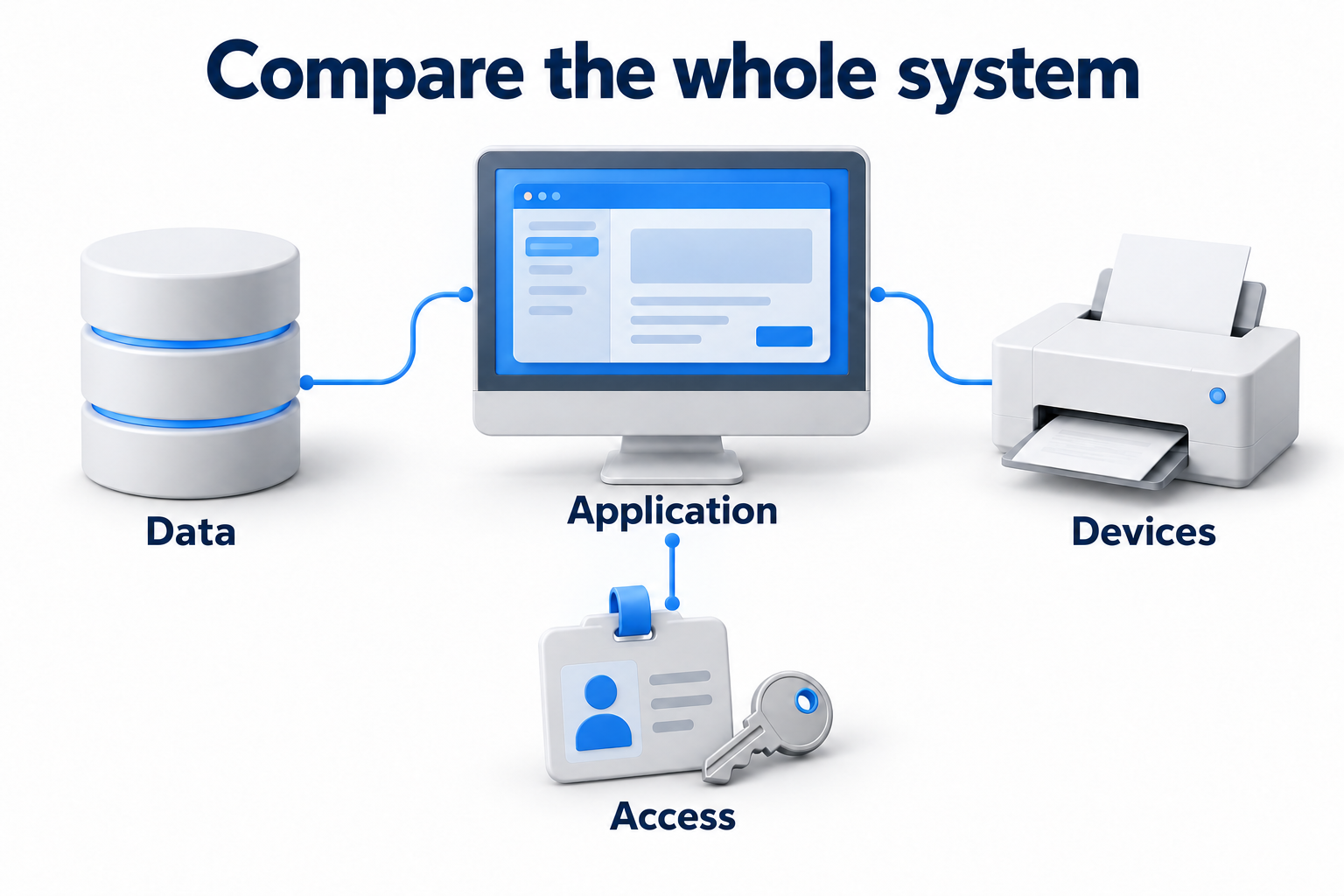
Calculate VoIP bandwidth from simultaneous voice streams, their codec, and network overhead. Employee or phone number counts do not replace those inputs. Check upload and download separately, then add other traffic and headroom to the voice requirement.
The calculation below works at the IP network layer. It shows where bandwidth use comes from and helps compare assumptions. It is not a complete recommendation for an internet plan. Actual requirements depend on the telephony system, route, security, and other applications.
Gather inputs before calculating
Count calls during the peak period
Review the telephony log and find the highest number of simultaneous conversations. Do not divide total daily call minutes by working hours. Average use hides the peak. For a new office, agree on the expected scenario with team managers and validate it after launch.
Identify which voice streams cross the connection you are sizing. A conversation between two employees may remain on the local network or pass through a cloud platform. Call transfers, conferences, and connections from several devices can change the number of streams. Count the actual audio path rather than phone numbers alone.
Identify the codec and packetization interval
The codec defines how audio is represented and its bitrate. A packet carries more than voice: headers are added to the payload. Also identify the packetization interval, often called ptime. It states how many milliseconds of audio each packet contains.
Ask the telephony provider for the actual parameters and available modes. They may differ between internal calls, external routes, and conference applications. If codec negotiation changes the codec when a call connects, calculate the applicable options and verify them through measurement.
Choose the measurement boundary
The same call produces different figures when counting voice payload, IP packets, or transmission over the physical link. Always state what the result includes. The example below counts one RTP stream over UDP and IPv4 without additional extensions.
A basic IPv4 header uses 20 bytes, UDP uses 8 bytes, and the base RTP header uses 12 bytes. Together they add 40 bytes per packet. Source lists and RTP extensions, IP options, encryption, and tunnels can add more data. These 40 bytes are not a universal total overhead for every telephony system.
Formula for one voice stream
For a constant bitrate, use three steps. Payload per packet, bytes = codec bitrate, bits/s × packetization interval, s / 8. Packets per second = 1 / packetization interval, s. Bandwidth per stream, bits/s = packet size including counted headers, bytes × 8 × packets per second.
G.711 example with 20 ms packets
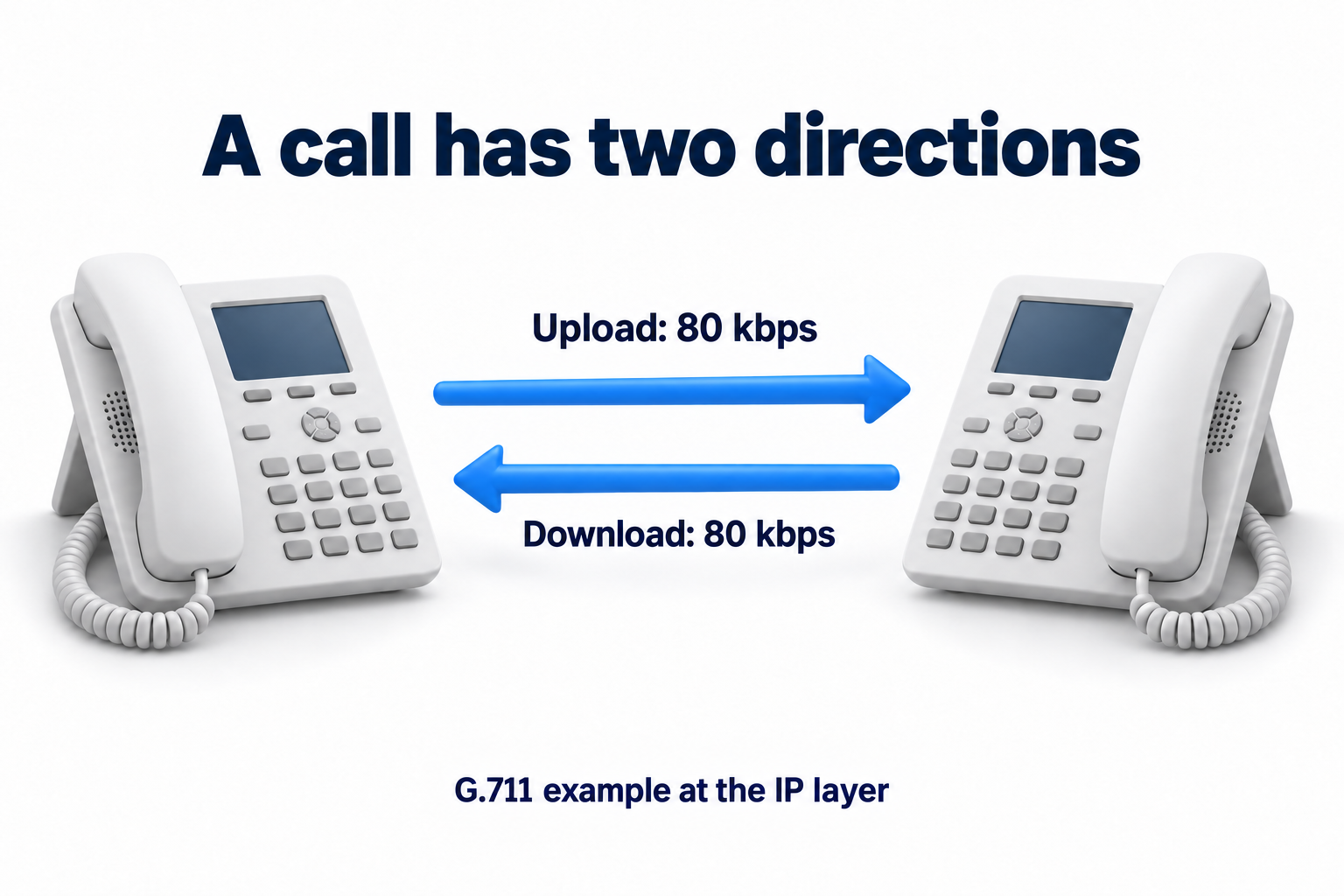
Assume G.711 at 64,000 bits/s with a 20 ms interval, or 0.02 s. Payload: 64,000 × 0.02 / 8 = 160 bytes. Sending rate: 1 / 0.02 = 50 packets per second. With 40 bytes of headers, each packet is 200 bytes.
Bandwidth use: 200 × 8 × 50 = 80,000 bits/s, or 80 kbps in one direction. A normal conversation with the same parameters for the second stream needs 80 kbps of upload and 80 kbps of download. The two streams total 160 kbps, but this does not create a requirement for 160 kbps in each direction.
Here, kbps and Mbps use decimal multipliers: 1 kbps equals 1000 bits/s, and 1 Mbps equals 1,000,000 bits/s. Do not confuse bits with bytes or replace 64,000 with 65,536.
How codec and packetization change the calculation
|
Assumptions for one stream |
Payload |
Packets per second |
Bandwidth at the IP layer |
|---|---|---|---|
|
G.711, 64 kbps, 20 ms, 40 bytes of headers |
160 bytes |
50 |
(160 + 40) × 8 × 50 = 80 kbps |
|
G.729, 8 kbps, 20 ms, 40 bytes of headers |
20 bytes |
50 |
(20 + 40) × 8 × 50 = 24 kbps |
|
G.711, 64 kbps, 30 ms, 40 bytes of headers |
240 bytes |
100 / 3 |
(240 + 40) × 8 × (100 / 3), approximately 74.67 kbps |
The table compares calculation assumptions. It does not recommend changing a live system. A longer packet reduces the number of headers sent per second but increases the delay while audio accumulates. Losing that packet removes a longer fragment of speech. Check codec support, compatibility, and quality with the provider.
For a variable bitrate, such as some Opus modes, the codec name alone cannot define one bandwidth figure. Confirm limits, operating mode, and loss compensation mechanisms. Suppressing transmission during silence can reduce average traffic. It does not provide guaranteed headroom when people speak simultaneously.
Redundancy and loss correction can add data to preserve intelligibility. Do not assume they always reduce bandwidth use. Choose a codec based on support throughout the path and the required quality, rather than the lowest number in the table. Transcoding between codecs also requires checks of compatibility and system resources.
Three simultaneous call scenarios
All three scenarios use G.711 at 64 kbps, 20 ms packets, and IPv4, UDP, and RTP headers totaling 40 bytes. Each conversation produces one outgoing and one incoming stream through the connection in question. Silence suppression is excluded. Each stream uses 80 kbps.
|
Simultaneous conversations |
Voice upload |
Voice download |
What else to add |
|---|---|---|---|
|
5 |
5 × 80 = 400 kbps, or 0.4 Mbps |
5 × 80 = 400 kbps, or 0.4 Mbps |
Excluded headers, control traffic, applications, and headroom |
|
15 |
15 × 80 = 1200 kbps, or 1.2 Mbps |
15 × 80 = 1200 kbps, or 1.2 Mbps |
Excluded headers, control traffic, applications, and headroom |
|
30 |
30 × 80 = 2400 kbps, or 2.4 Mbps |
30 × 80 = 2400 kbps, or 2.4 Mbps |
Excluded headers, control traffic, applications, and headroom |
This is voice capacity at the selected counting layer, rather than a sufficient office connection speed. The table excludes RTCP control traffic, call signaling, additional security data, the link layer, and other traffic. Do not add the base 40 bytes again. They are already included in 80 kbps.
You may see 87.2 kbps for the same G.711 example. Cisco's method produces that figure by adding 18 Ethernet bytes per packet. It still does not account for all physical transmission overhead. Compare figures only after agreeing on the measurement boundary and included overhead.
Add other applications and operating headroom
Check upload and download separately
On an asymmetric connection, upload can become the limit before download. Uploading files to the cloud competes with outgoing voice, while downloading updates competes with incoming voice. A remote employee also uses a home network. Good office results do not confirm the quality of that connection.
For each direction, add the calculated voice requirement, excluded telephony overhead, and expected simultaneous traffic from other applications. Then add operating headroom. Its size depends on traffic variation, queue management capabilities, and service requirements. A universal percentage without these inputs does not demonstrate sufficient capacity.
Measure available capacity during working hours
An internet plan's advertised speed and a network card's port speed do not show spare bandwidth to the telephony platform. Measure the connection during working periods, including traffic from other applications. Check whether results change on a backup connection or VPN if calls actually use that path.
Agree with the connectivity provider on where speed is measured and which overhead the service includes. Ask the telephony provider about requirements for voice, conferences, and media routes. Video and screen sharing need separate calculations. Do not add them to the voice table without further data.
Estimate how many conversations the available bandwidth supports
A reverse calculation is possible once bandwidth has been reserved specifically for voice streams after allowing for other overhead and headroom. Divide it by the bandwidth of one stream in the relevant direction. Calculate upload and download limits separately, round each down, and select the lower value. Units and counting boundaries must match.
For example, assume 1000 kbps of upload and 800 kbps of download at the IP layer, with 80 kbps per stream. Rounding down gives 12 and 10 conversations respectively. The limit in this calculation is 10 conversations. This is not an internet plan recommendation. The actual service must also cover every excluded overhead and quality requirement.
If the expected peak exceeds confirmed capacity, agree on more capacity, a concurrency limit, or a suitable telephony mode. Do not rely on users taking turns being silent by chance. Repeat the test after the change and confirm that the system itself supports the limits.
Bandwidth does not replace quality testing
Measure latency, jitter, and loss
Latency affects pauses and people talking over each other. Jitter describes variation in packet delivery delay. Packet loss can cause gaps in audio. Even a fast connection can deliver poor speech when the path is unstable or a queue is congested.
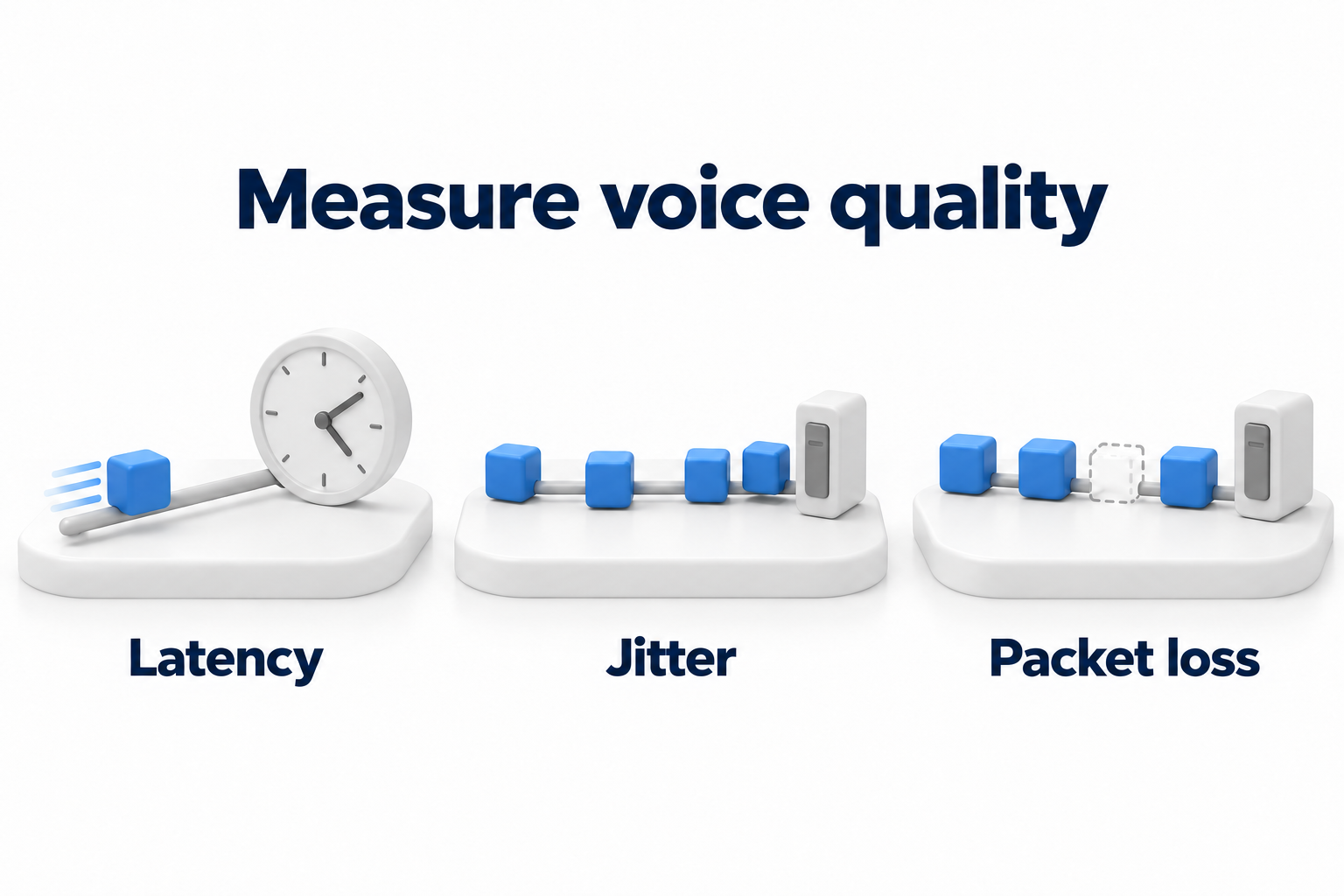
A standard speed test helps with an initial assessment but does not confirm every call's quality. Check the path to the actual platform, media stream statistics, and voice under load. Ping round trip time is not the same as voice delay in one direction. Agree on target values and assessment methods with the selected system's provider.
A jitter buffer smooths uneven packet arrivals at the cost of extra delay. The buffer itself does not recover lost packets or increase connection bandwidth. It may operate in a phone, application, or another system component.
Account for the limits of QoS and the local network
QoS can prioritize traffic that is sensitive to delay where equipment supports the agreed rules. It allocates existing capacity rather than creating more bandwidth. Priority on an office router does not guarantee the same treatment throughout the public internet.
A separate VLAN helps separate telephony traffic, but does not set its priority. Priority requires QoS rules and equipment support. Verify that the rules apply on the required parts of the path.
For wireless problems, compare a wired call with a call through the same access point. Check coverage, interference, and radio airtime use. A cable removes that wireless segment but does not fix congestion on the external connection. Echo and headset faults are not always bandwidth problems either.
If audio works in only one direction, check the media path, firewall rules, and address translation with the provider. Do not disable security or introduce an arbitrary bypass simply to test audio. A different internet plan will not fix a routing or permission error.
Validate the calculation with working calls
|
Check |
What to record |
|---|---|
|
Peak concurrency |
Call logs or an agreed scenario and the number of streams crossing the connection |
|
Voice parameters |
Actual codec, packetization, and security modes |
|
Calculation boundary |
Included headers and a separate list of excluded overhead |
|
Capacity in each direction |
Available upload and download during a working period |
|
Other applications |
Simultaneous traffic and selected headroom |
|
Load and quality |
Loss, jitter, latency, and audibility at the required conversation count |
|
Different paths |
Office, remote employees, wireless network, and backup connection where used |
|
Changes |
What was corrected and which repeat measurement confirmed the result |
Run load tests at an agreed time. Save baseline measurements first, then change one significant parameter and repeat the scenario. This helps the team distinguish the effect of added capacity from fixing a local problem or adjusting a queue.
What to prepare for a network assessment
Prepare simultaneous call counts, codecs, measurements, and an audio path diagram. For each result, record the direction, time, and load conditions. The calculation identifies the required capacity. Real call tests establish whether the system works with that capacity.
If you need to assess the network and telephony, discuss DKs network and telecommunications services. Provide call parameters and observed problems to define the scope of connection and equipment checks.