An IT asset register shows which equipment and software help the company work. It links a device to its user, a service to its owner and a license to its terms of use. These records help you find an available computer, check support dates and plan equipment replacement. First, however, you need records the team can trust.
Inventory work includes discovering assets, verifying information and maintaining a shared register. Asset management covers more tasks: selection, purchase, operation and retirement. This article focuses on the register and how to keep it current.
Define which assets belong in the register
Include hardware, software and cloud services
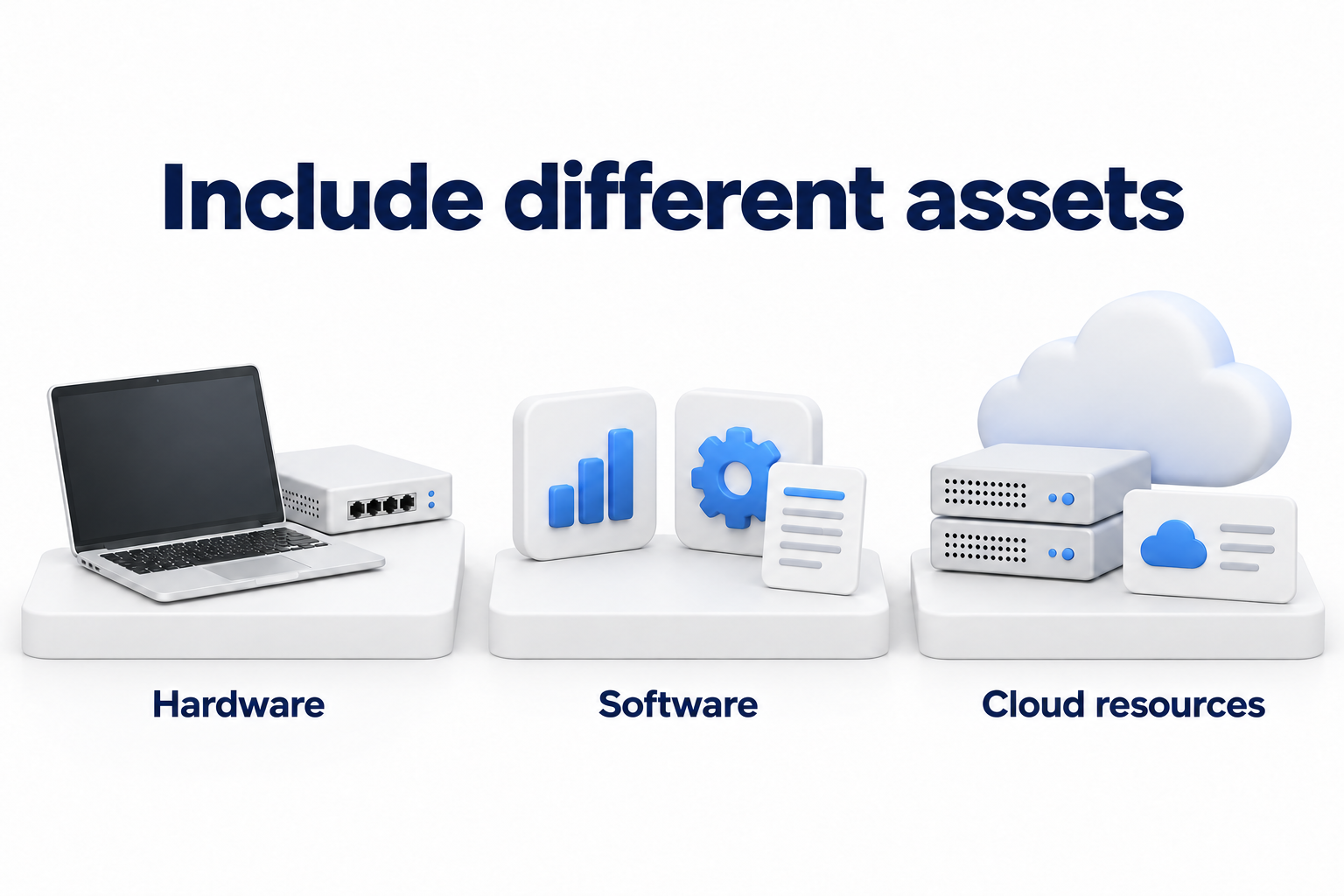
Start with resources the company uses for work or manages. Do not limit the scope to equipment IT can see on the office network:
- Hardware: computers, servers, phones, network devices, printers and required peripherals.
- Software: operating systems, installed applications and software developed in house.
- Cloud resources: virtual machines, business subscriptions, storage and services, including SaaS.
- Spare equipment and devices under repair, in storage or with remote employees.
State which categories, departments and sites the first reconciliation covers. Decide which peripherals need separate records. If the company uses production equipment or connected sensors, coordinate their inventory with the owners of those systems. Maintain a separate data inventory if the company needs one. The asset register only needs a link to it and identification of the related system.
Distinguish company ownership from the right to use a resource
The company may use a rented server, an employee's personal phone or a provider's cloud service. Record the ownership arrangement and responsibility boundaries for these resources. The property owner, user and business service owner may be different people or organizations.
For a personal device, collect only information needed for the agreed business use. Define the permitted data fields in advance under company rules. Taking inventory does not itself authorize examination of an employee's personal files and applications.
Assign owners and prepare the fields
Separate responsibility for the asset from responsibility for its record
Appoint one person to maintain order in the register: its fields, reconciliations and discrepancy resolution. Each business service also needs an owner who confirms the resource's purpose and necessity. The user confirms receipt of the device. IT checks technical information. Procurement or finance confirms the purchase, contract and payment.
Name an owner for a shared printer, server or subscription even if the whole department uses it. A record marked "shared" does not explain who will decide on renewal or replacement.
Collect information you can verify
Define a common set of fields. Complete additional fields by asset type so you do not assign a computer's serial number or warranty period to a cloud service:
- Internal ID. It links the record to equipment issue, support requests and other records.
- Type, name and purpose. State what the resource is and which work it supports.
- Matching information. For hardware, record the manufacturer, model and serial number where available. For a cloud resource, use its ID and environment.
- Ownership and responsibility. Record the owner or provider, resource owner, user and department.
- Location. For equipment, record the site or remote location. For a cloud resource, record the account, project and region where applicable.
- Lifecycle status and authorization for use. Record the asset's operational stage and approval status separately.
- Operating system, software version or firmware version. Record the values needed to support this asset type.
- Acquisition and licensing. Add the date received or first used, the basis for ownership, a contract link and applicable license terms.
- Warranty and support. Keep these dates separate and record the source of each.
- Record verification. State the information source, last discovery date, confirmation date and next reconciliation deadline.
Add criticality and a link to the business system if the team uses them to prioritize checks. Explain the category values. For example, an importance rating should show which work would suffer if the resource became unavailable. Keep detailed threat and impact assessments separate.
Do not replace unknown information with a guess. Use "unconfirmed" and "not applicable" with distinct meanings. Assign a check and an owner when a support date is unknown. A blank cell does not explain this.
Put the internal ID on an inventory label for equipment that moves between people or sites. A barcode or QR code can open the corresponding record. The label helps with inspection but does not replace the serial number or record verification. Use consistent names for statuses, sites and departments.
Choose the format and access rules
A spreadsheet is suitable to start with if its owner can keep records verified and changes do not get lost across copies. Maintain one working version. Restrict editing, enable change history and configure data preservation under company rules. Choose cloud or local hosting based on access, data location and integration requirements.
When manual reconciliation falls behind changes, connect collection from management systems and cloud consoles. Check device coverage, support for required platforms, export, history, permissions and duplicate handling. Test exchange with the ticketing system through a standard integration or API. Automation collects data; owners confirm purpose and responsibility.
Do not store passwords, activation keys, tokens or recovery codes in the shared register. Link contracts and other documents to storage with the required access controls.
Build the first version and investigate discrepancies
Compare several sources
Record the collection date and obtain available exports. Use each source for the information it can confirm:
- Device management and security systems help identify enrolled equipment and technical specifications.
- Network discovery helps identify reachable devices within its configured scope.
- Cloud consoles show resources in the relevant accounts and projects.
- Application and subscription consoles show assignments and available usage information.
- Orders, contracts and equipment issue documents help confirm acquisition and handover.
- Storage inspections and employee confirmations help verify equipment that consoles cannot see.
A purchase does not confirm the current location, and a device's presence on the network does not confirm its approval. Reconcile these facts. When importing spreadsheets or CSV files, preserve the ID, source and collection date. Separately ask managers to identify business services employees connected without IT involvement.
Check the limits of automated collection
Before exporting, clarify which platforms, devices and applications the tool covers. Check enrollment, connection permissions and the collection date. A missing report row does not mean the asset does not exist.
For example, Microsoft Intune's new App inventory and Discovered apps operate in parallel. The new App inventory requires an assigned collection policy on supported Windows devices. Active devices may report data several times a day. Do not apply this behavior to every Intune report and platform.
Check remote devices, powered off equipment, spare stock and resources outside connected cloud accounts. Define another confirmation method for each group, such as reconciling an issued device with the employee or inspecting equipment in storage.
Merge duplicates and investigate unknown assets
Match records using stable identifiers and context. For a computer, check the serial number and model. For a virtual machine, use its ID together with the account or project. Do not use the device name, network address or username as the sole key.
If two systems describe one asset, keep one primary record and links to its sources. Do not merge records based only on similar names. If locations or owners conflict, assign a check and retain the correction history.
Define which source confirms each field. Verify a software version against a technical report, the purchase basis against a document and the recipient against an issue confirmation. A newer export must not replace contract information without verification.
First record an unknown device with a review status and an owner. Inclusion in the register does not authorize use. Refer decisions about connection, access restrictions or removal to the security owner under the established procedure.
Link hardware, software and licenses
Preserve relationships between records
Do not try to list every program on a computer in one cell. In a small spreadsheet, use linked sheets for equipment, software and services, assignments and licenses. Link rows by internal ID. In an inventory system, use records and relationships between them.
One record may describe a product and version, while another links an installation to a device. A subscription record shows the plan and terms of use; an assignment links it to a user or resource. This separates the product, instance and right to use it.
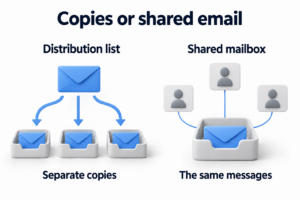
If the company maintains a configuration management database (CMDB), link assets to it by ID. The register answers questions about a resource's existence, purpose and status. The CMDB helps reveal dependencies between components and services. Link records and coordinate updates to shared information to avoid independent copies.
Use the sample records
Copy the sample into a working spreadsheet. IDs H001, S001 and C001 illustrate relationships between records. Replace values in square brackets with verified company data. Statuses are examples; enter the actual status of each resource.
Sample linked records. Complete the fields in brackets.
|
ID |
Type and name |
Owner and user |
Location or environment |
Status |
Support and license |
Verification |
|---|---|---|---|---|---|---|
|
H001 |
Work laptop; [model and serial number] |
[Owner]; [recipient] |
[Site or remote location] |
Issued |
[Warranty]; [OS support]; [license link] |
[Source]; [date]; [next reconciliation] |
|
S001 |
Work application; [product and version] |
[Application owner] |
Installation linked to H001 |
Installed |
[Basis for use]; [support period] |
[Installation report]; [verification date] |
|
C001 |
Cloud service; [account and plan] |
[Service owner]; [user group] |
[Account, project and region where applicable] |
Active |
[Contract]; [subscription terms]; [renewal date] |
[Console and contract]; [verification date] |
Add the operating system, ownership arrangement and issue document to the laptop record. For an application, retain the publisher and the installation's link to H001. For a service, add the provider ID if the company keeps a separate supplier register. Keep contacts, contractual obligations and escalation procedures in the supplier register.
Separate installation, licensing and usage
Software on a device does not prove the right to use it. A license assignment does not prove the employee uses the product. During reconciliation, check acquisition terms, assignments and available usage data separately.
Record the licensing unit where applicable: user, device or another contract metric. Record the extent of rights, assignments and renewal date. Do not compare installation counts with license counts before checking the licensing model. Before canceling a subscription, confirm the business need and consequences for data.
Update the register when things change and on a schedule
Link updates to work events
Make record updates part of actions that change an asset:
- Receipt, issue, return and transfer to another user.
- Relocation, dispatch for repair and device replacement.
- Software installation, removal or version changes.
- Creation and closure of a cloud resource.
- Changes to the owner, subscription, license or support.
- Loss and confirmed retirement.
Include the asset ID, change, assignee and evidence in the request. When onboarding a new hire, update issue and assignment details in this register. Do not create a separate copy of the same asset for onboarding.
Separate discovery from confirmation
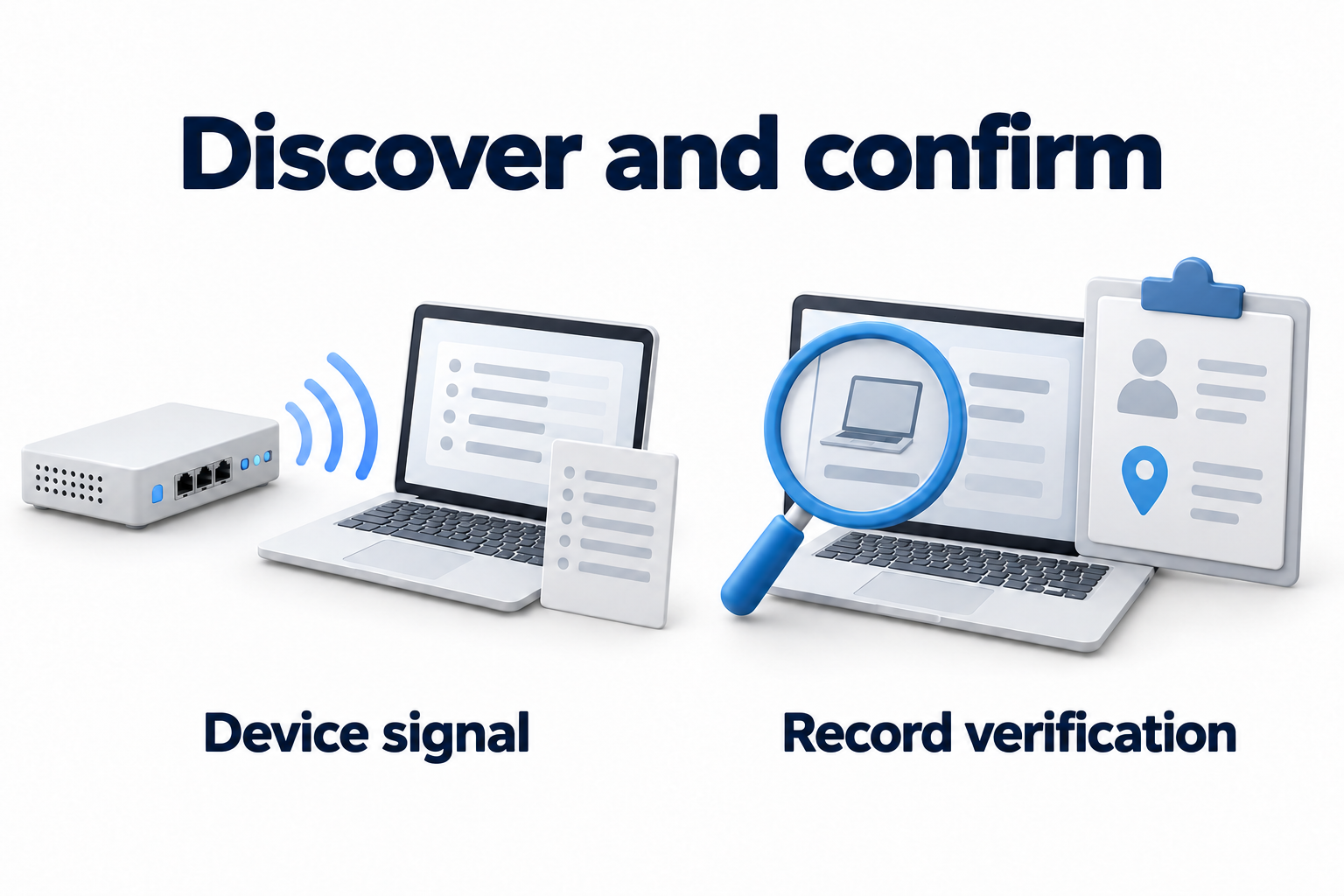
The last device signal date shows how current the technical data is. The verification date shows when an owner confirmed the record. Retain both dates. A computer may report regularly while its user record remains wrong.
Set a reconciliation schedule based on the pace of change, criticality and applicable requirements. Record new arrivals and equipment issue during normal work. During scheduled reviews, look for assets without owners, stale records, duplicates and conflicts with other sources. Assign an owner and deadline to each discrepancy.
Do not replace completeness checks with a record count. If the register contains every office computer but no cloud subscriptions, it covers only part of the agreed scope. Reconcile coverage by category, site and source.
Save filters for records without owners, overdue checks and approaching support dates. Track the number of these exceptions and the time needed to resolve them. Each notification should lead to a record and a next action.
Preserve the history of loss and retirement
If a device stops reporting, check connectivity, issue, repair and relocation records. Do not mark it as retired simply because a report omits it. For a lost device, retain the last known location, user and ticket link.
After retiring an asset, retain its record with the status, date, reason and evidence links. If it held work data, add evidence that the storage media was handled under the established procedure. Set the history retention period under company rules and applicable obligations. Perform data removal and access termination through the relevant processes.
Use the register to make support and procurement decisions
Check warranty, support and renewal
A hardware warranty, software support and a subscription term answer different questions. Warranty expiration does not automatically prohibit use. An active subscription alone does not confirm support for every installed version.
Check dates with the manufacturer or provider for the exact model, version, edition and contract terms. Retain the link and verification date. For each approaching deadline, assign a decision: clarify terms, renew, update, replace or retire the resource.
To plan replacement, link the record to repair history and verified costs if the company tracks them. Obtain cost, budget department and acquisition date from financial documents. Leave depreciation and accounting rules to finance.
Pass verified data to related processes
Before procurement, check available equipment, device condition and role requirements. Before renewal, compare verified rights, assignments and business needs. These records help prepare a decision but do not replace approval of the budget and purchase terms.
For security reviews, provide the asset's owner, version, purpose and criticality. Keep threat assessment, vulnerability remediation and security configuration in separate processes. The article on basic cybersecurity controls explains inventory's role in the company's overall protection.
Check that the register is ready for use
Open several records of different types and check the result:
- The ID locates the asset and distinguishes it from another resource.
- The record shows the purpose, owner, user and location or environment.
- Information relies on identified sources and verification dates.
- Ownership, license, warranty and support terms remain distinct.
- Unknown information has a status, owner and clarification deadline.
- Issue, relocation and other changes update the same record.
- History and access controls support one agreed version.
If a record does not help locate a resource or make the next decision, refine its fields and verification process. The working register should remain clear when handed to another owner.
Need to choose equipment or software licenses based on the inventory? Contact DKs Enterprises about hardware and software procurement. Prepare the asset list, work requirements and support dates to discuss the purchase scope.