A server needs only the services, permissions, and connections that support its role. Security hardening removes unnecessary capabilities and establishes a secure configuration. The goal is to reduce the attack surface while keeping applications, backups, and administration working.
The result should be an approved baseline for the specific server role and a record of completed checks. Each deviation needs a reason, an owner, a limiting control, and a review date. The sections below cover preparation and the main areas to check. Choose specific settings for the platform, its version, the application, and operating conditions.
Define the server role and responsibilities
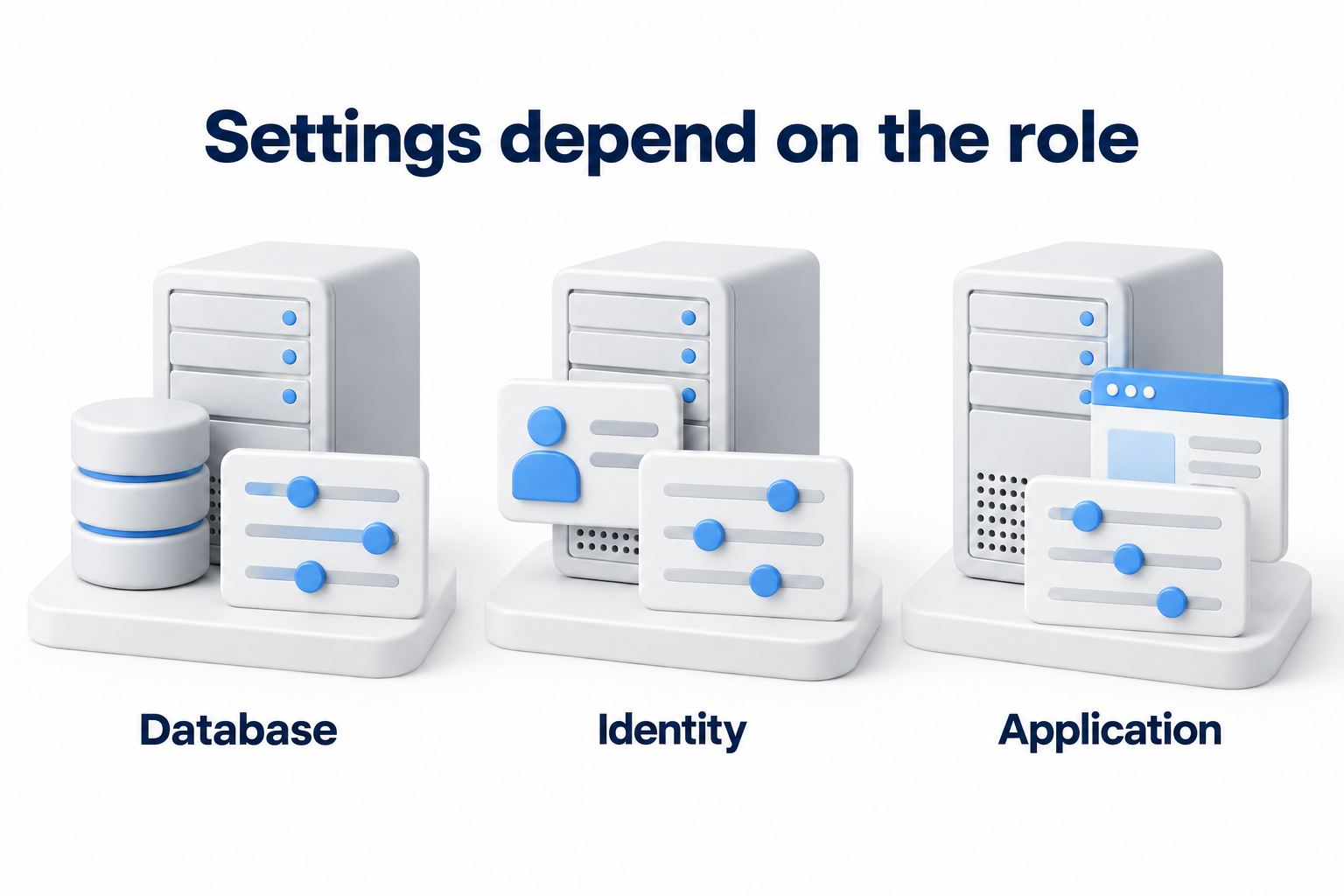
Record the server purpose, application owner, operating system, version, installed software, and hosting model. Match the record to the asset register. Identify the data it processes, who connects, and which services depend on it. A database server, domain controller, and public application should not receive the same changes simply because they use the same operating system.
For a physical server, assign responsibility for the room, media, and boot configuration. For a virtual machine, also consider the hypervisor and management console. In the cloud, check the division of responsibilities. The provider may manage the hardware while your team remains responsible for the guest operating system, application, and access. For a managed service, check the contract. The word “managed” does not confirm that every check has been completed.
Start with current vendor guidance or a CIS Benchmark for the relevant version and role. Record the name, edition, and selected profile. A stricter profile can affect compatibility, so do not apply it to every system automatically. First compare the recommendations with application requirements and test changes in a suitable environment.
Prepare a safe configuration change
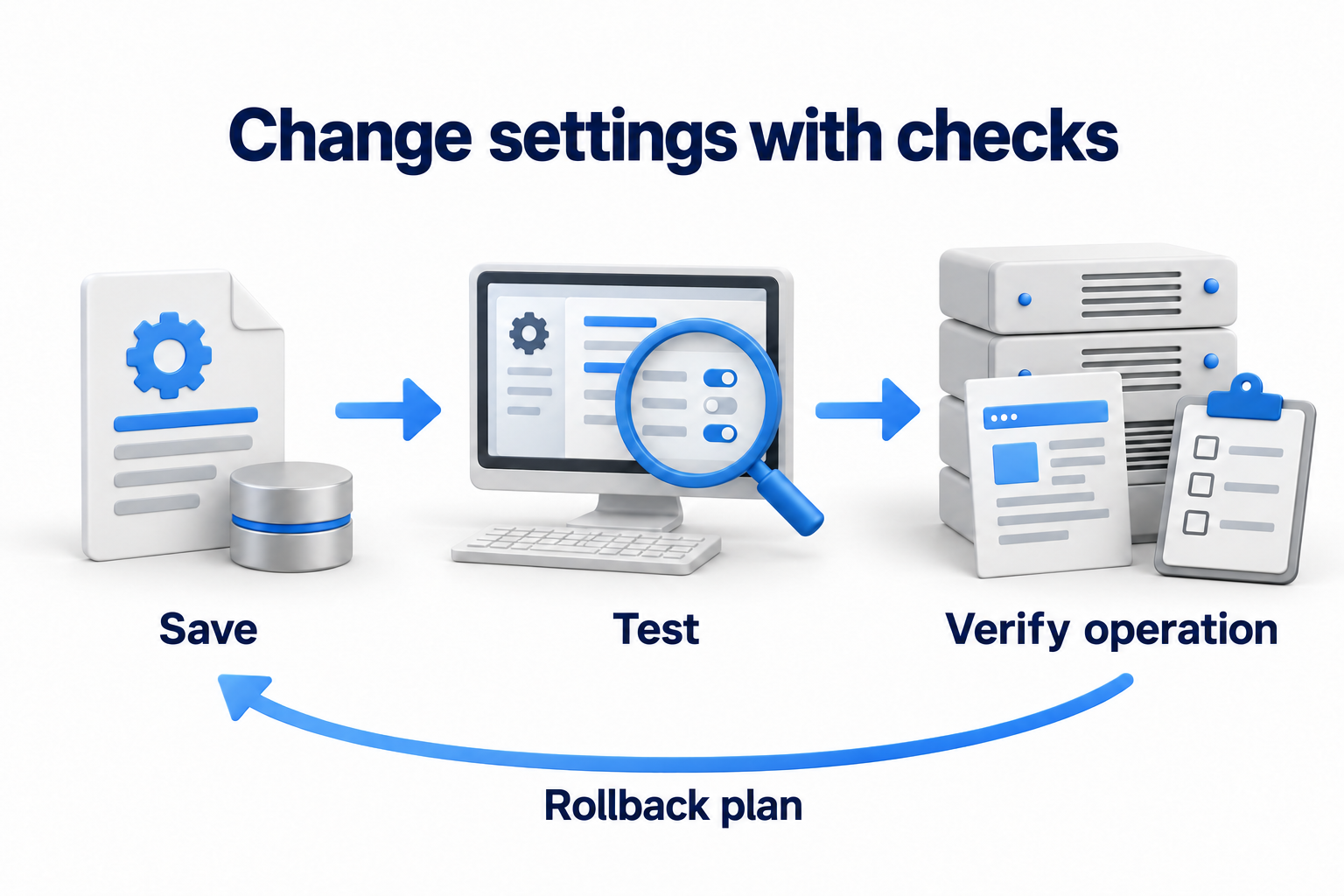
Save the current settings and list of active policies. Identify what manages them: domain policy, configuration management, an image, or a cloud service. Otherwise, the next update may overwrite a manual fix. Establish the application starting state and the indicators that will reveal a disruption.
- Agree on the changes with the application owner. Assign the implementer, maintenance window, and conditions for stopping.
- Prepare backups and a tested method for restoring the required data and configuration. Do not automatically treat a virtual machine snapshot as a complete, independent application backup.
- Test emergency access through an agreed separate path. Protect that path and log its use.
- Test the settings in a test environment or on an agreed limited group. If a complete copy of the environment is unavailable, assess the limitations of the test and agree on a smaller step.
- Decide who will restore the previous state and how if sign in, the application, an integration, or backups stop working. Do not start a remote access change without a tested recovery path.
Check the main configuration areas
Accounts and administrative access
Review local and centralized accounts, administrator groups, service accounts, and application permissions. Remove unnecessary privileges and access for former participants after confirming dependencies. Use separate access assignments for everyday work and administration. A service account needs a specific function, an owner, and managed secrets, rather than unrestricted administrator privileges with no end date.
Configure strong authentication and multifactor protection for management access where supported. Align password, lockout, and secret storage rules with the identity system. Excessive lockouts can stop a service, and deleting a built in account without checking can disrupt support. Test the new sign in method before disabling the old one. Store keys, tokens, and emergency credentials in a managed secure vault.
Restrict administrative connections to authorized users and paths through a managed gateway or a separate administration environment. Check RDP, SSH, hosting panels, the virtualization console, and the cloud console. Changing a port number alone is not sufficient protection. Confirm that restrictions apply to every interface and cannot be bypassed through another connection.
Services, applications, and permitted connections
Compare installed roles, running services, open ports, and programs with the server purpose. Remove unnecessary demonstration applications, development tools, and old components only after checking who uses them. Retain a required dependency with a documented reason and restricted access. Do not disable a file protocol, identity service, or backup agent from a generic checklist if operations depend on it.
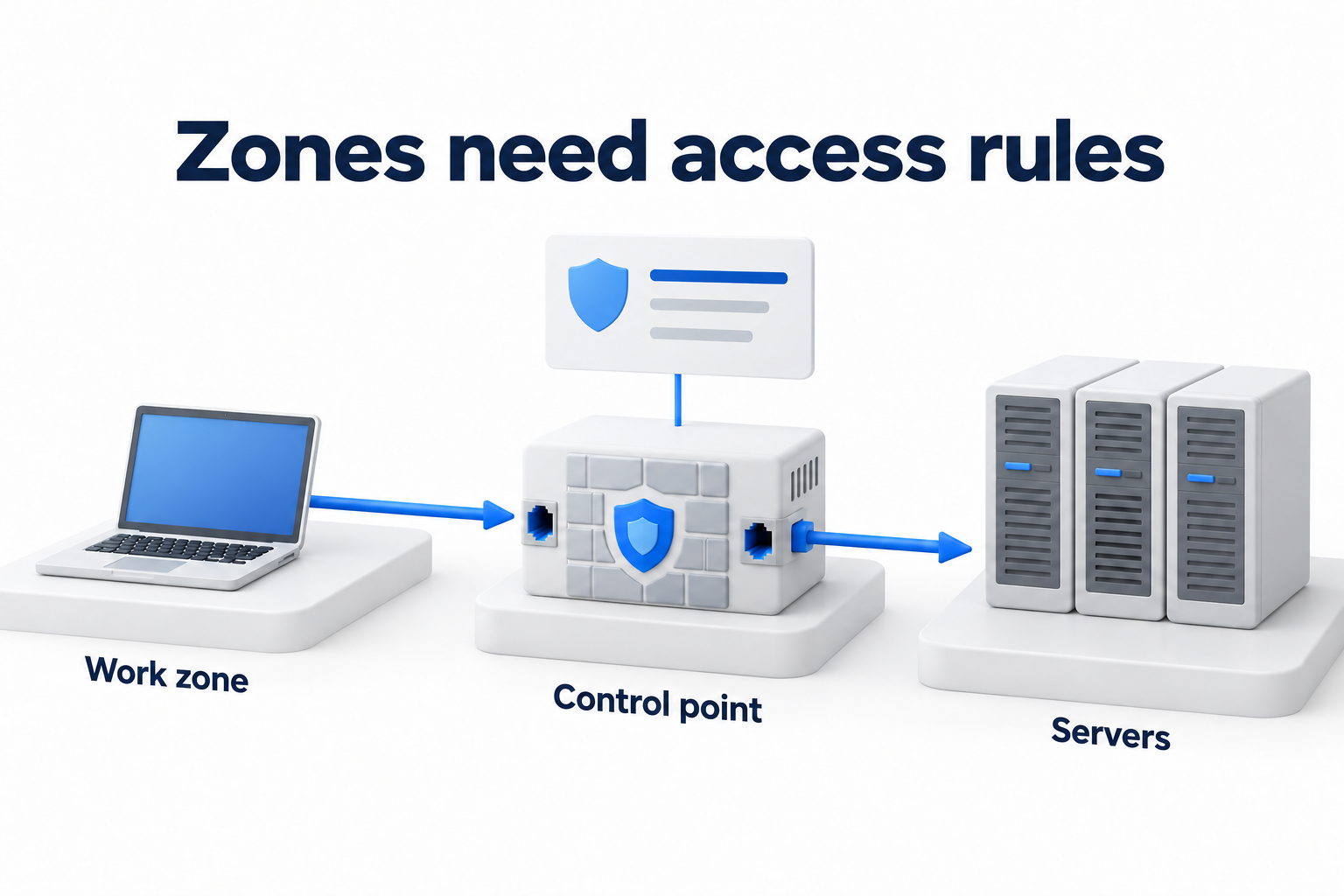
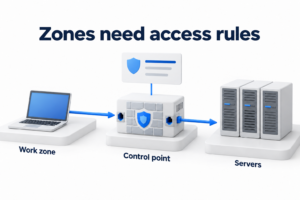
Allow required flows on the server firewall with clear sources and destinations. Check inbound and necessary outbound connections for updates, name resolution, time synchronization, identity, monitoring, and backups. Check dependencies before blocking other traffic. A separate segmentation project defines zone boundaries. This checklist covers protection of the individual host and its permitted connections.
Review the application settings: permissions for data and directories, service accounts, secret storage, unnecessary extensions, debugging, and demonstration features. Assign write and execution access by role rather than to every user. Follow vendor guidance for the database and application server. Hardening the operating system alone does not resolve application flaws.
Support, updates, and security tools
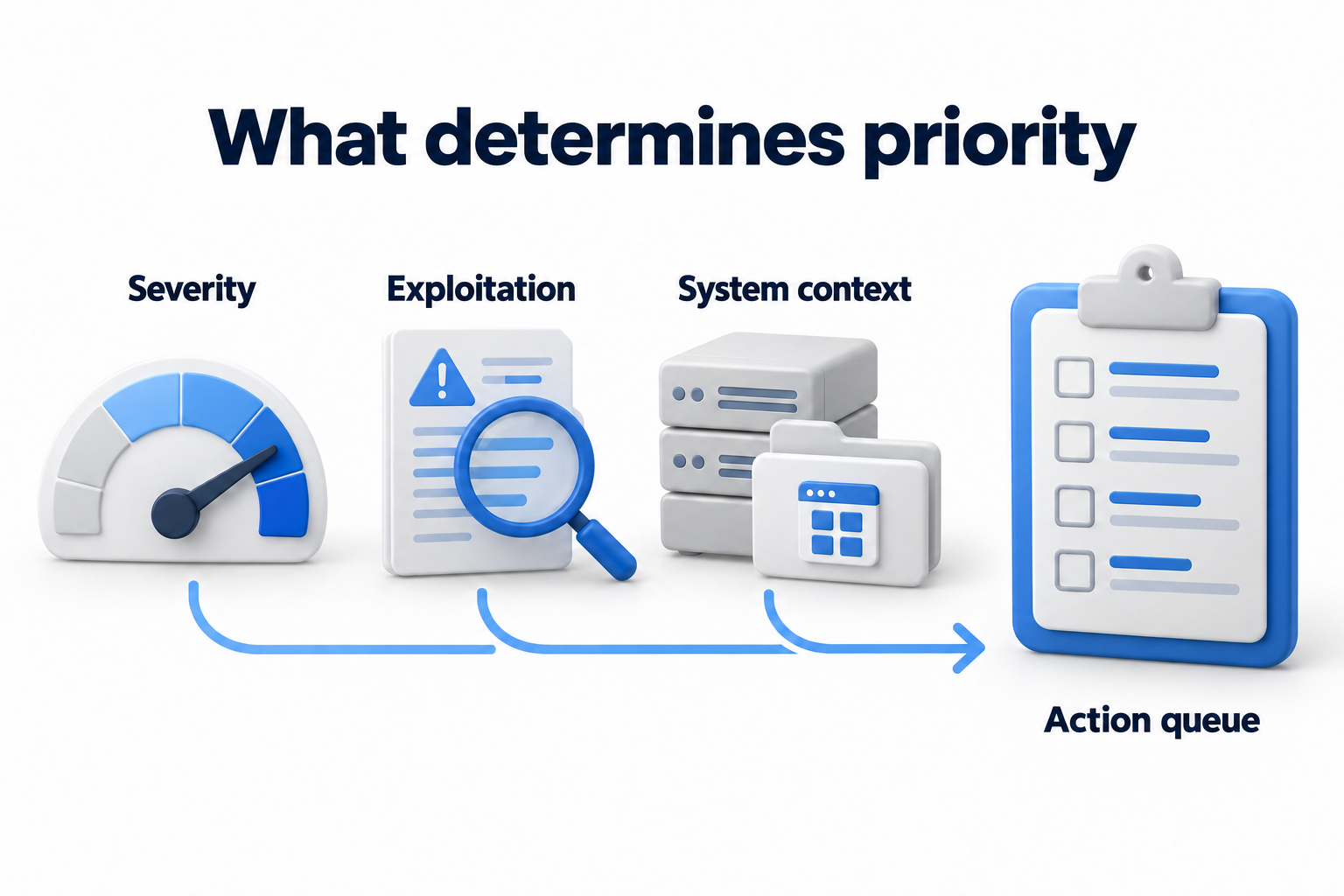
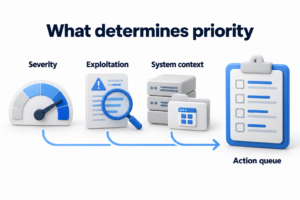
Check support for the operating system and components, required updates, and application compatibility. An unsupported system needs an agreed replacement plan or a limited temporary exception. Updates and a secure baseline complement each other. An updated server may still have dangerous permissions or an unnecessary service. Maintain a separate queue of discovered vulnerabilities and link each task to the relevant asset.
Check the state of security tools included in the architecture: the applied policy, update status, management connection, and event delivery. Keep application exceptions minimal and validate them through testing. An application conflict should not lead to a permanent, undocumented shutdown of all protection. Allow automated deployment only for tested settings within an agreed scope.
Data, certificates, and physical protection
Check encryption for required connections and stored data, certificate validity, key access, and key recovery procedures. A certificate must match the service purpose, and the client must validate its dates and chain of trust. Disk protection does not replace permissions within a running system. Backups and secrets need their own access restrictions, or they can provide a way around protection of the primary data.
For equipment you manage, check room access, use of external media, and secure boot settings where supported. Assess compatibility and recovery before changing boot or encryption settings. For a third party data center, document responsibilities rather than trying to apply settings your team does not control.
Logs and configuration drift
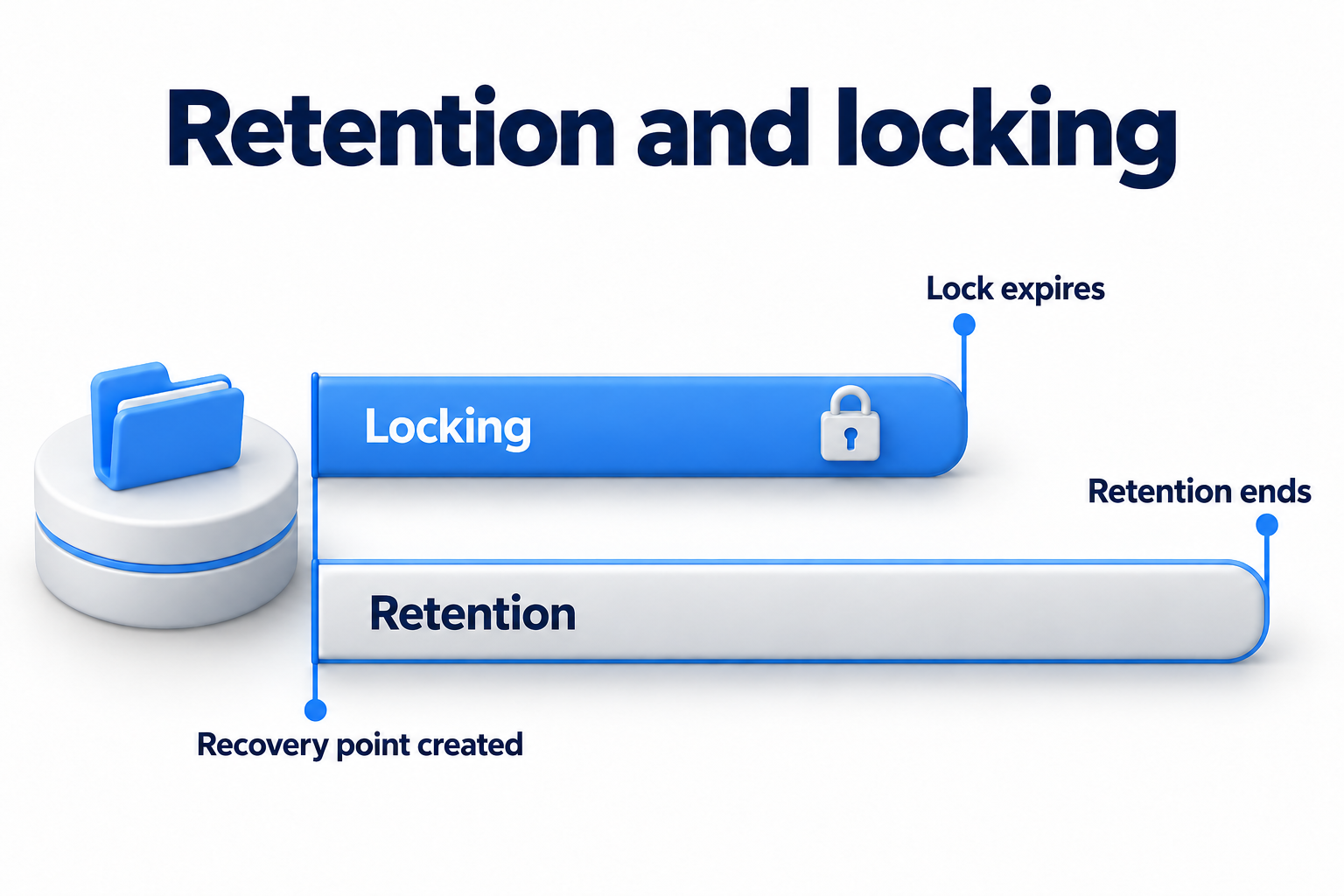
Enable the required events for sign in, permission changes, services, policies, and application errors. Check time synchronization and delivery to the assigned collection system. Restrict log access, agree on retention, and assign responsibility for reviewing alerts. The check must confirm that a test event reaches the receiving system, rather than simply showing an enabled checkbox on the server.
Compare actual settings with the approved baseline. Distinguish an agreed exception from an accidental change. Record the source of a deviation and the required action, then verify the result. Microsoft tools can analyze and compare baseline policies. Running a tool alone does not prove that every setting has been applied or is compatible with the host role.
Maintain a table of checks and exceptions
The template below covers one server. Put its ID and role in the working document heading. In each row, replace the owner role with a named person and record the actual result and date. The table describes verification criteria rather than completed work.
|
Area |
Owner |
How to verify |
Exception |
Rollback after failure |
Repeat check |
|---|---|---|---|---|---|
|
Accounts and permissions |
System access owner |
Compare permissions with agreed roles. Test standard and administrative sign in. |
Service access: reason, restriction, and approver. |
Restore saved assignments through a tested emergency access path. |
Date and trigger: a change in role or participants. |
|
Management connections |
Server administrator |
Authorized sign in works, an unauthorized source cannot connect, and the event is logged. |
Additional path: purpose, owner, and expiry. |
Restore the approved access configuration. |
Date and change to interfaces or connection method. |
|
Services and programs |
Application owner |
Required components remain, and application and integration tests pass. |
Dependency on an old component with a remediation plan. |
Restore the required service or previous package according to the plan. |
Date and change to the application role. |
|
Firewall |
Host rule owner |
Verify required inbound and outbound connections and the blocking of unnecessary connections. |
Permission with a business reason and review date. |
Restore the saved rule set. |
Date and change to dependencies. |
|
Updates and security |
Maintenance owner |
Confirm versions, functioning protection, and application health. |
Deferred change with a temporary control and deadline. |
Agreed method for restoring the system or component. |
Date and release of a significant update. |
|
Data and certificates |
Service owner |
Check the connection, permissions, certificate, and availability of required recovery keys. |
Platform limitation with an alternative control. |
Restore the validated configuration while preserving protected keys. |
Date and certificate renewal or key change. |
|
Logs and baseline |
Monitoring owner |
Receive a test event and review deviations from approved settings. |
Unavailable event or setting with an owner and compensating control. |
Restore the previous collection policy or setting. |
Date and change to the policy or management tool. |
Apply changes and verify the result
Apply changes in small agreed groups. After each group, check administrator access, core application operations, integrations, backups, and monitoring. Record actual settings and test results. If a criterion is not met, stop expanding the deployment and use the agreed rollback procedure. After recovery, address the cause and review the decision rather than leaving the failed change silently disabled.
Store the approved configuration, evidence, and exceptions where the responsible people can access them. Schedule regular checks based on criticality and repeat checks after a role change, application update, access change, or server migration. No single schedule fits every server. Each exception needs an expiry and an owner authorized to decide. An overdue deviation requires review.
If you need technical help to assess and implement a baseline, discuss the task with DKs on the Security Hardening page. Provide the server roles, application constraints, and available maintenance window.