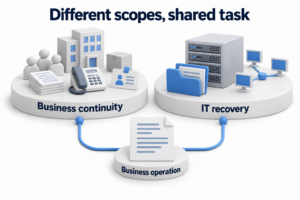
A backup retention policy defines which data states remain available, how long you keep them, and what happens when retention ends. Its purpose goes beyond saving space. A history that is too short may expire before someone discovers an error. A history that is too long increases volume, costs, and the amount of sensitive data that needs protection.
A useful policy establishes the required recovery history, recovery point granularity, storage locations, deletion exceptions, and an owner for each system. A ready made number of days from someone else's example cannot replace these decisions.
Separate four different retention questions
A backup schedule does not define the entire retention policy
|
Concept |
Question it answers |
What to check separately |
|---|---|---|
|
Backup frequency |
How often a new recovery point appears |
Job completion and data usability |
|
Backup retention |
Which recovery points remain available and how old they can be |
History granularity and the ability to restore |
|
Immutability |
How long changes or deletion remain prohibited and which permissions apply |
Mode, scope, and when protection ends |
|
Document and record retention |
Which information the organization's rules require you to retain, find, or delete |
Applicable requirements, search, evidence, and exceptions |
A long retention period does not automatically provide a detailed history. If you keep only one recovery point per month, you cannot promise to restore any day within that month. Conversely, frequent backups will not help you find an old state if the entire history expires before someone discovers the problem.
A backup and an archive serve related but different purposes. A backup restores a selected state of a system or its data. An archive may support extended retention and searches for individual records. Clarify the required result instead of automatically applying an archive retention period to every full system backup.
For a cloud application, check native version history, the recycle bin, content retention rules, and backup features separately. Their scope and available operations may differ. A retention policy does not prove that the required recovery is possible, and the provider's name does not establish that it is unavailable.
Collect requirements for each data group
Define the required history depth and granularity
Ask the system owner which errors need correction and when people usually discover them. An immediately detected deletion and silent corruption discovered during a later reconciliation require different histories. Account for completed business cycles, data checks, and the ability to restore an earlier usable state.
Specify how precisely you must select a state: a particular transaction, a nearby moment, a day, or a less frequent historical point. Compare this with data changes and the agreed RPO. RPO describes the acceptable loss of recent changes, but it does not automatically determine the depth of the entire history.
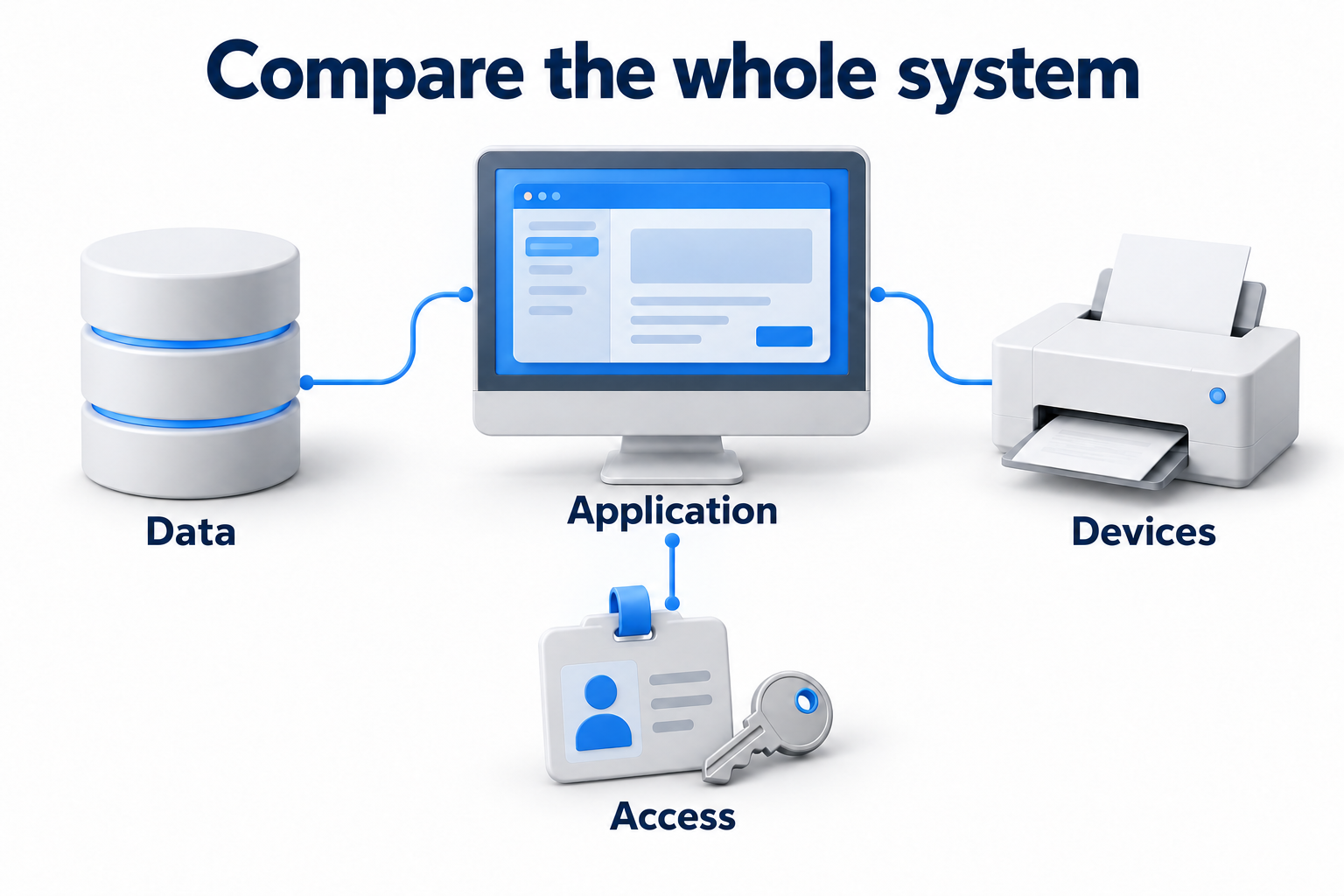
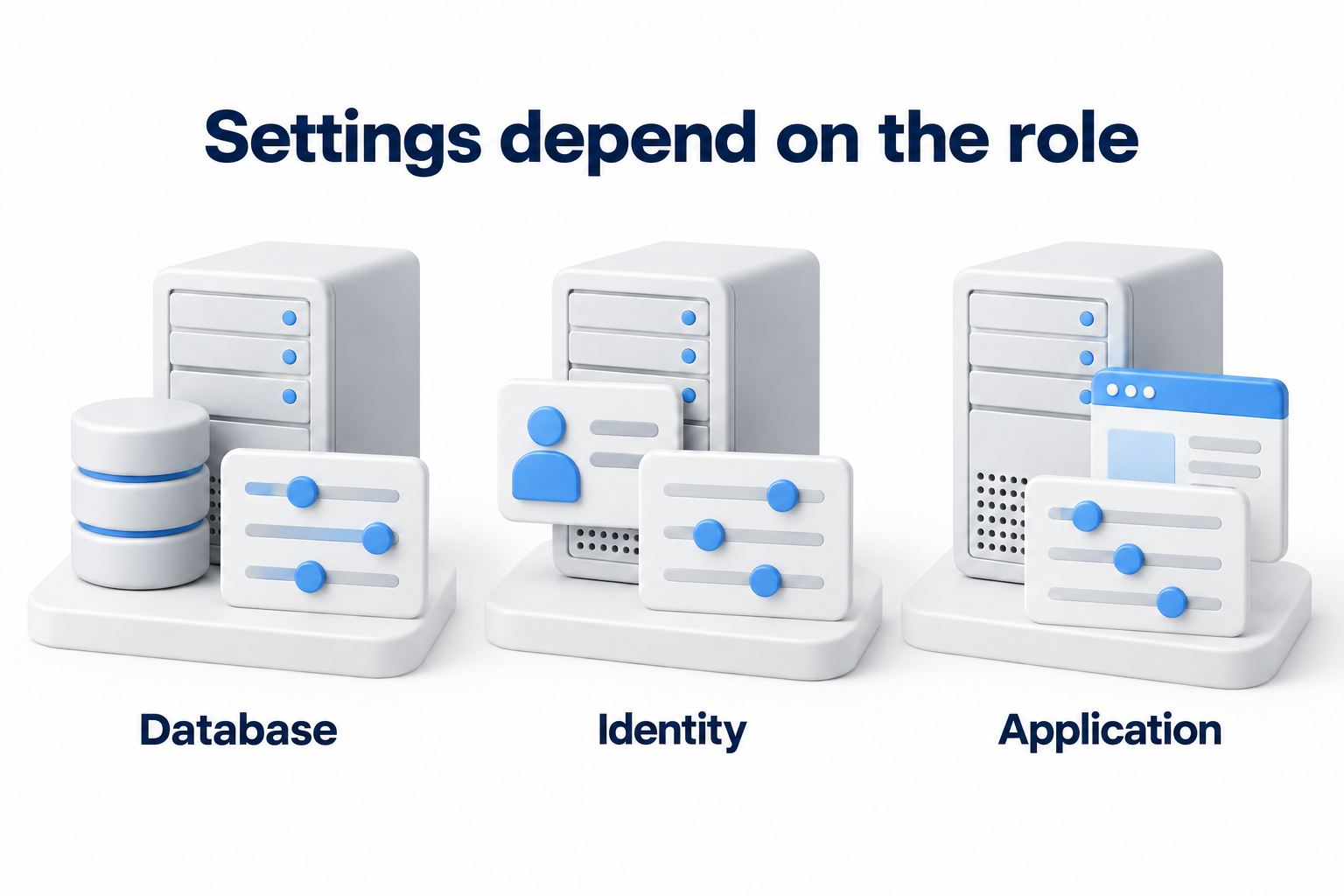
List the data and dependencies that must restore together. An application may need its database, files, settings, and compatible component versions. Keeping one element for a long time will not help if a related component has already expired or cannot be used.
Check constraints and responsibilities
Classify data by value, sensitivity, and applicable rules. The process owner confirms the need for history. The technical owner checks product capabilities and cost. Agree on requirements for documents, personal data, and deletion exceptions with the people responsible for them in the organization.
Do not assign one retention period to all data merely because someone mentions HIPAA, GDPR, financial regulation, or another country's law. Each requirement applies to particular data, organizations, and activities. Record the agreed outcome of that assessment in the backup policy, rather than an assumption based on the name of a law.
Design history tiers and check product limits
Keep the recovery points you need, rather than simply more files
You can divide the policy into a detailed recent history and less frequent older points. A GFS scheme generally describes a combination of daily, weekly, and monthly backup generations. It helps organize history, but it does not prescribe mandatory retention periods or guarantee every intermediate state.
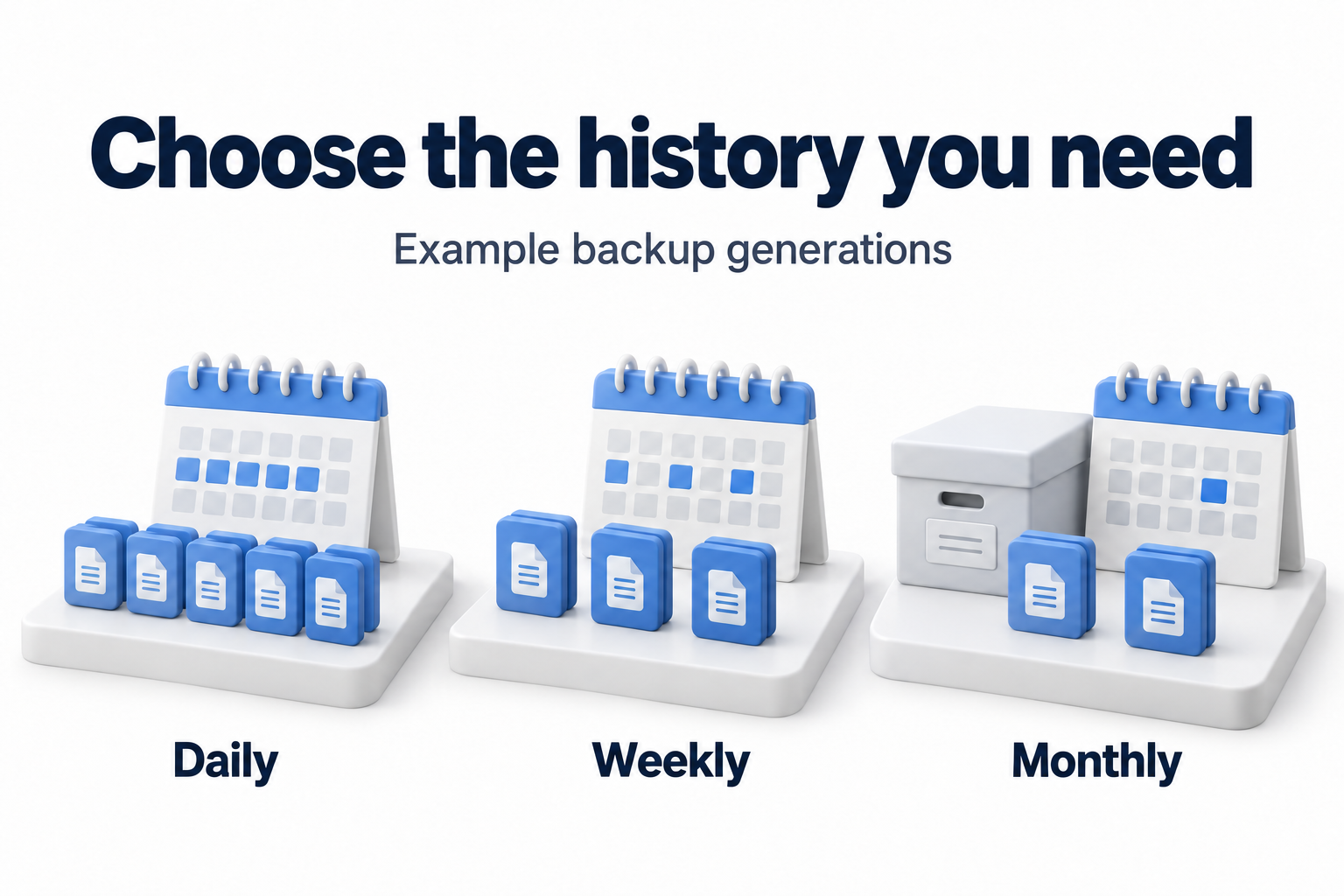
For each tier, define how to select recovery points, how long to retain them, and how they move between tiers. Confirm which event the product uses to calculate age: job start, recovery point creation, or another event. Check the time zone and overlapping rules. The actual retained set matters more than an easy to understand schedule name.
If you use full and incremental backups, establish which data the selected recovery point requires. Manually deleting an individual file from a backup chain is risky. Use supported lifecycle management and verify that it preserves the dependencies of other recovery points. Check the implementation before relying on a claim that each point is independent.
Separate retention, storage type, and recovery availability
Moving older history to a less expensive storage class can change retrieval delay, recovery costs, and deletion restrictions. Before moving it, confirm that you can retrieve the data within the required time. A low storage price cannot compensate for an unsuitable recovery path.
For example, AWS Backup uses separate settings for schedules, lifecycle, and transitions to cold storage. Transition support depends on the resource, and limits apply to minimum retention and configuration changes. Check your service's current conditions. Do not transfer one product's numbers and limits to another.
For copies stored elsewhere, check the destination's own rules. Retention, storage class, and behavior after deletion of the primary copy may differ from the source. Record which copies the policy controls, including older manual copies and data retained after a system leaves service.
Agree on locks and exceptions before deletion
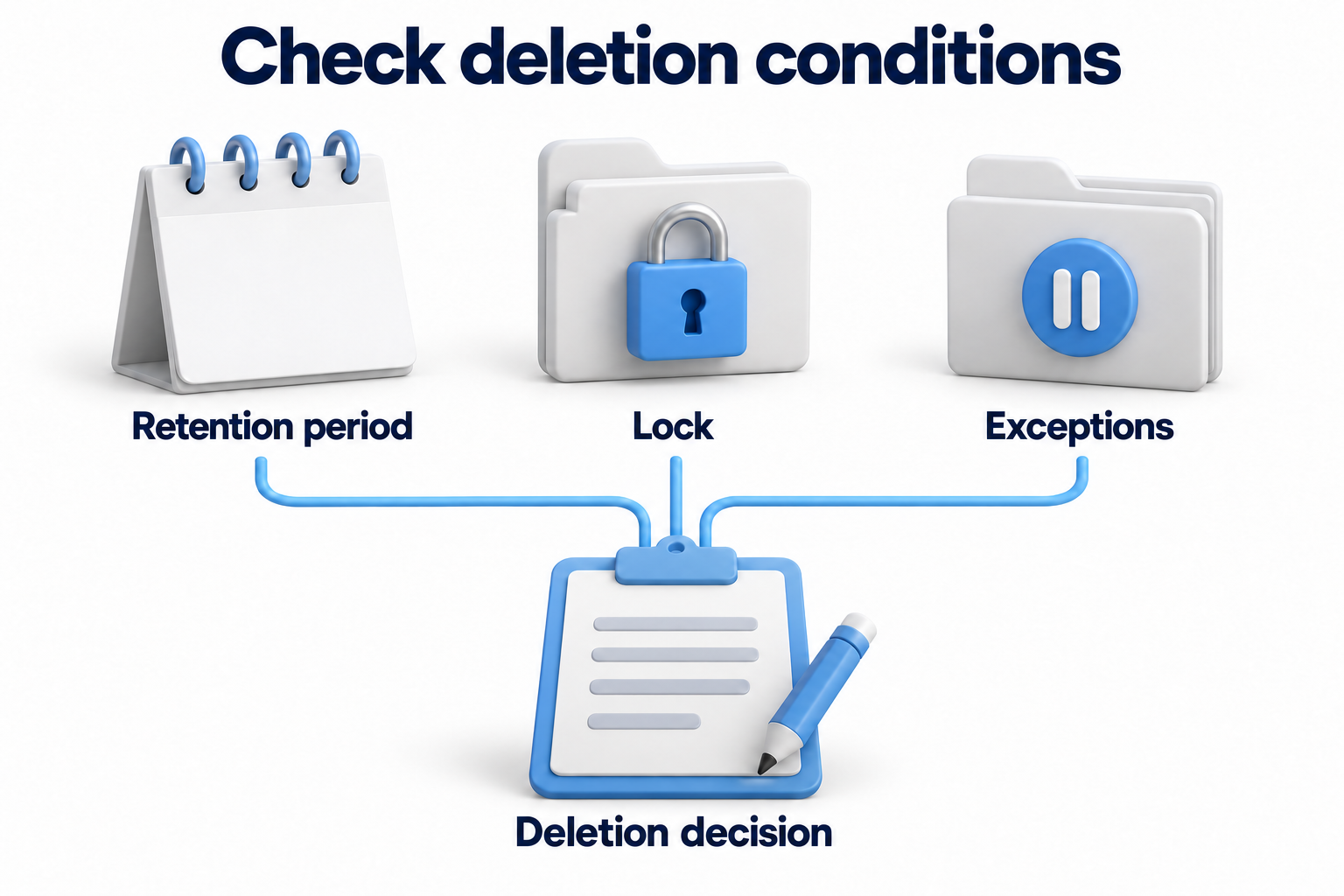
Immutability may prohibit early deletion. Its duration does not always match the entire retention period. Check both values, permissions to change them, and irreversible settings. Extending a period may commit you to additional costs, while shortening it through normal controls may be impossible.
An investigation or another agreed exception may require you to suspend deletion of a particular data set. Specify the reason, scope, decision owner, review date, and process for removing the exception. Check exactly how the product supports this. Do not assume that every backup automatically provides a legal hold.
Complete the retention policy matrix
Use a separate row for each system or data class with the same requirements. Fill in the bracketed fields after agreement. If data within one system has different constraints, separate the rows and check whether the product can apply different rules without compromising a complete recovery.
Retention matrix with fields to agree on
|
System and data |
Required history |
Recovery point tiers and retention periods |
Locations and availability |
Deletion and exceptions |
Owner and verification |
|---|---|---|---|---|---|
|
[Operational database and related files] |
[Error discovery window and required state precision] |
[Recent points, less frequent history, and each tier's duration] |
[Primary and remote copies, storage class, and retrieval time] |
[Expiration, lock, and agreed exceptions] |
[Process owner, IT owner, and review date] |
|
[Working documents] |
[Required previous states and business cycles] |
[Generations and retention periods based on agreed needs] |
[Locations and methods for finding and retrieving data] |
[Expiration and sensitive data rules] |
[Owners and recovery confirmation] |
|
[Configurations and recovery data] |
[Compatibility and required versions] |
[Retention periods aligned with dependent systems] |
[Access when the primary environment is lost] |
[Deletion dependencies and special exceptions] |
[Owner and verification results for the complete recovery set] |
|
[Retired system] |
[Confirmed need for the remaining history] |
[Remaining recovery points and final retention date] |
[Storage location, recovery tools, and recovery owner] |
[Process for ending retention of every copy] |
[Owner for retention completion and review] |
Add the policy version and the settings that implement it to the matrix. Record approved exceptions and the change process separately. This lets you compare the agreed decision with the actual configuration instead of searching through email and old jobs.
Verify policy application and retention completion
After configuration, compare expected and actual recovery points at tier boundaries. Make sure the required older history remains and the rules do not conflict. Check how existing recovery points behave after a policy change: the product may apply new settings differently to them than to new copies.
Restore a selected older recovery point as well as a recent one. Check the availability of the application, required dependencies, and data in the relevant storage class. For an encrypted copy, confirm access to decryption keys. Measure retrieval time and verify that the restored data supports the business task.
Expiration should trigger the intended action, subject to locks and exceptions. Check deletion results, errors, and copies remaining in other locations. Removing a catalog entry does not always release every physical block immediately. Shared data, chains, and storage mechanisms may affect this. Confirm how the service and media type verify deletion.
Do not promise to delete an individual record immediately from every immutable full backup. If access or deletion rules require special handling, agree on a technically feasible process in advance. Destroying media is also not a universal action for every expired cloud recovery point.
Review costs, protection, and exceptions
- Compare actual history depth and granularity with the matrix.
- Monitor volume growth, failed jobs, and lifecycle errors.
- Check permissions, protection of administrative sign in, and key availability.
- Include the costs of storage, retrieval, transfer, and maintaining compatibility.
- Review retention periods after business cycles, systems, threats, or agreed requirements change.
- Confirm the continuing need for extended exceptions and end them according to the approved decision.
- Keep verification results, remediation owners, and the policy change history.
Automation helps apply schedules and deletion consistently. It will also apply an incorrect rule consistently. Track exceptions and verify the result. Indefinite retention just in case and one period for the entire company need as much justification as reducing history.
Need to agree on history depth and verify its implementation? Contact DKs Enterprises about backup and disaster recovery. Prepare your system matrix, current retention periods, and known exceptions to discuss the required work.