Choose a location for a specific business system, rather than making one decision for the entire company. Email, a production application's database, and file storage may have different requirements. Start the comparison with who uses the system, which data it needs, and what happens if it becomes unavailable.
Cloud services do not remove the need for management, and equipment in the office does not guarantee security. Compare two options against the same tasks and requirements. Use the matrix below to record confirmed conditions and assign owners to missing information.
Describe the system and comparison boundaries
Collect workload requirements
A workload includes the application, data, and related components that together perform a business task. For example, assessing a server alone is insufficient if the application depends on a local database, printer, and authorization service. Record these dependencies before comparing costs.
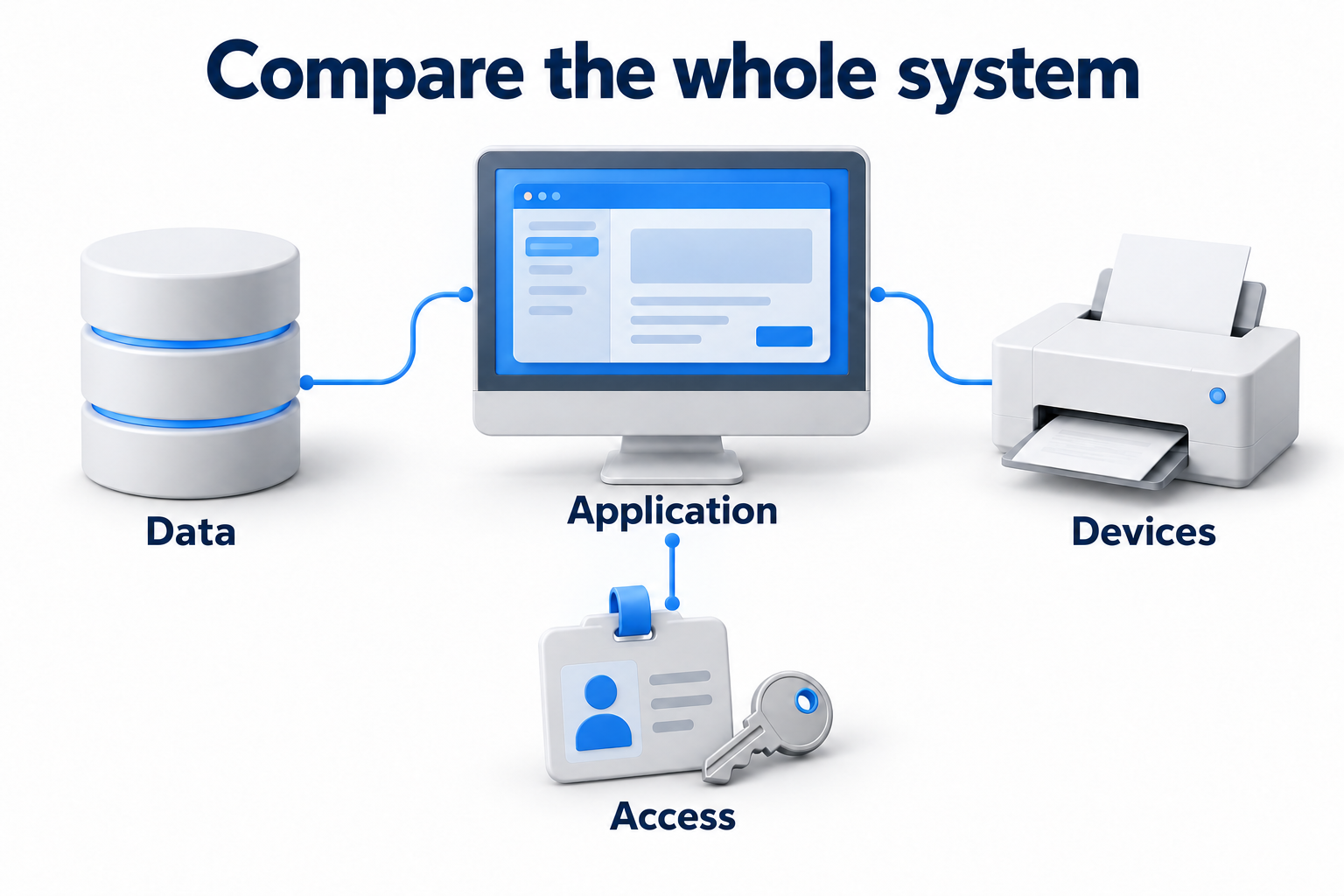
- System purpose, owner, and users, including remote sites.
- Supported version, licenses, and deployment options the vendor permits.
- Data volume, normal load, peaks, and expected changes.
- Connections to other applications, equipment, and external services.
- Requirements for response time, availability, and recovery.
- Data and location restrictions confirmed by the person responsible for company requirements.
Management confirms the business task, IT checks technical conditions, and the application owner clarifies support. Flag unknown information. If the vendor does not permit the selected deployment or support the required configuration, resolve that constraint before treating the option as ready.
Distinguish location from service level
With local deployment, the system runs on equipment at your site. Your own team or a contractor may maintain it. In the cloud, a provider supplies resources or an application as a service. However, a virtual machine and a ready to use application transfer different amounts of work to the provider.
|
Option |
What the company receives |
What to clarify |
|---|---|---|
|
Local system |
Equipment and an environment under its own management |
Who maintains the hardware, operating system, application, network, and data |
|
IaaS |
Computing resources, networking, and storage |
Who manages the guest operating system, application, and settings |
|
PaaS |
A managed application platform |
Which platform functions are included and what remains with the team |
|
SaaS |
The provider's ready to use application |
Settings, permissions, data, integrations, and data export conditions |
Compare options that perform the same business task. A subscription to a ready to use application is not equivalent to renting an empty virtual machine. The latter still requires installation, licenses, updates, and application support. Basic hosting or virtualization does not automatically describe every property of a cloud service either.
Define who manages the system
Divide responsibilities by layer
For each option, list owners for physical hardware, the operating system, the application, accounts, permissions, monitoring, and data. Record who performs each action and who verifies the result. Naming a provider without defining the service boundary leaves a gap.
Microsoft's shared responsibility model shows that the customer manages virtual machines, operating systems, and applications in IaaS. In PaaS and SaaS, the provider handles some of these tasks. Data, accounts, and access settings still remain part of the customer's responsibilities. Confirm the exact boundary for the chosen service.
For a local system, check more than whether an administrator exists. You need equipment access, backup staffing arrangements, usable documentation, and a process for obtaining parts. If a contractor maintains the system, specify the work boundaries and a contact. The server's location does not perform these tasks.
Check security and data requirements
Sensitive data needs clear storage and access conditions in any model. Confirm permitted locations, administrator rights, logging, and key management. Base the required conditions on company rules and applicable obligations, rather than a general opinion about cloud or office security.
A provider's cloud certification does not prove that your configuration is correct. Your own server room does not prove protection against access mistakes, power failure, or theft either. Refer questions about special requirements to the responsible specialist. Do not conclude that a regulated industry always prohibits cloud services or always requires a local server.
Compare total cost over the same period
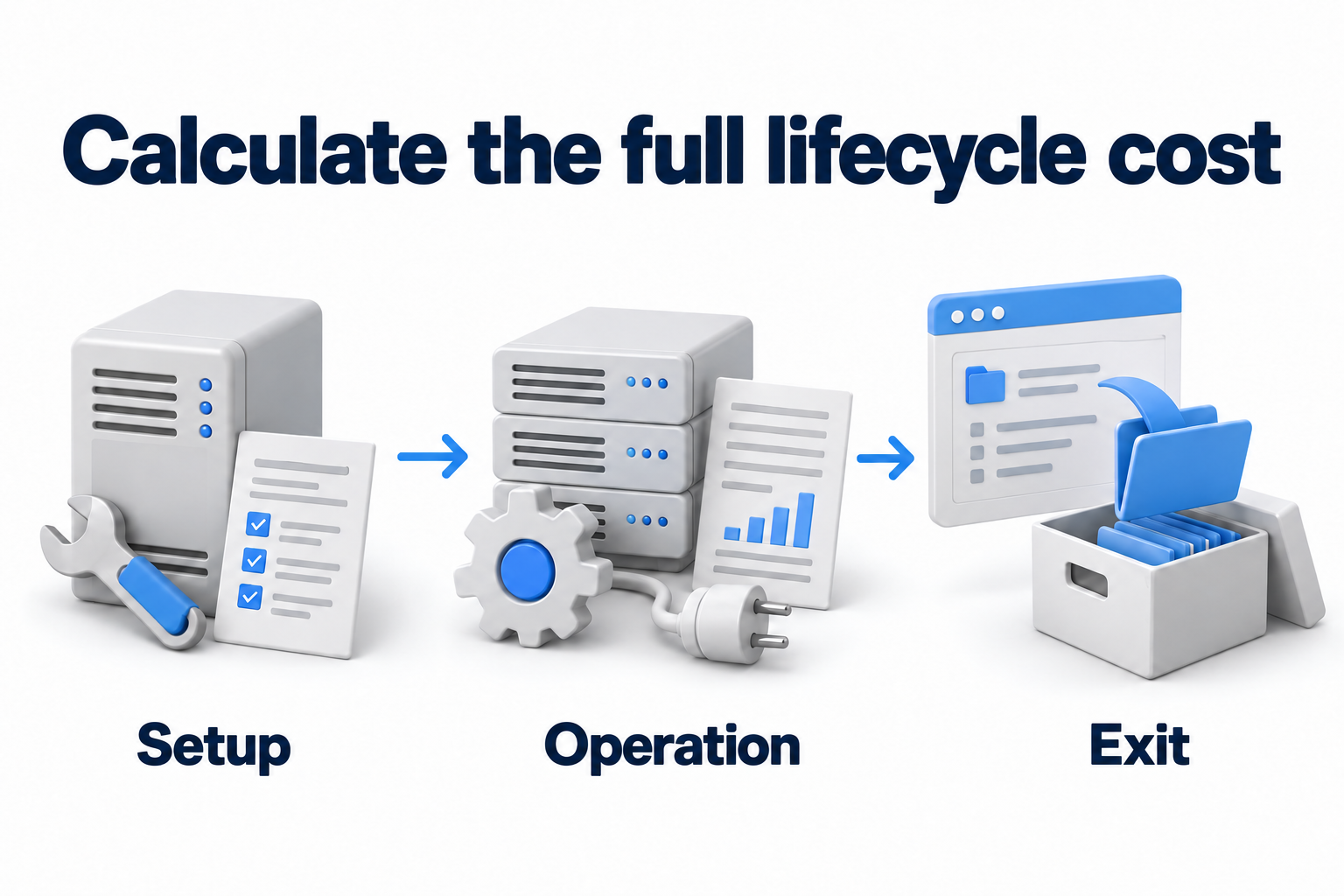
Include setup, operation, and exit
Choose the same comparison period and feature set. Use actual quotes, current contracts, and workload data. Separate initial work, recurring payments, and costs that vary with use. Do not enter zero for an unknown price.
|
Cost category |
Local option |
Cloud option |
|---|---|---|
|
Setup |
Hardware, installation, and licenses |
Preparation, migration, configuration, and licenses |
|
Resources |
Hardware capacity and spare capacity |
Computing, storage, and selected pricing terms |
|
Environment operation |
Power, cooling, and space |
Included services and services billed separately |
|
Administration |
Support for hardware and the entire system |
Responsibilities remaining after some work transfers to the provider |
|
Connectivity |
Local network and required remote access |
Internet, site connections, and data transfer |
|
Security and monitoring |
Tools and team work |
Tools, logs, and services outside the base price |
|
Recovery |
Backups, spare resources, and tests |
Backups, recovery, and reserve resources under the selected design |
|
Change and exit |
Equipment replacement, migration, and retirement |
Data export, migration, and ending subscriptions and commitments |
Microsoft recommends including initial, ongoing, and operational expenses, along with related services, in the cost model. The price of one server or license therefore does not show the cost of the entire working system. Evaluate several load levels and check how the total changes.
Check conditions for growth and reduction
Cloud charges may depend on use, user counts, commitments for a term, and other conditions. Stopping a virtual machine does not always stop charges for disks, addresses, or related services. Check the bill's components and resource deletion terms, rather than only compute pricing.
In a local environment, purchased capacity may sit idle, but you can use it for suitable tasks. Growth may require another purchase. Compare resource delivery time and total cost, rather than only the payment type. Finance can confirm expense classification for accounting.
For each calculation, record the price source, check date, workload assumptions, and owner. Check data transfer costs by direction, volume, and service terms. Also retain an exit scenario: how to retrieve the data and how much work another environment will require.
Include remaining commitments under current contracts and the support period for hardware already purchased. A paid for server still requires operation, and a new cloud subscription may overlap an old contract. Do not count the same license or work twice. Show separately the period when both environments are needed for the transition.
Check connectivity and application response
Look at the entire user path
A cloud system needs connections to the resources it uses. For an employee, this may mean the internet. For an application, it may also mean a connection to a database at another site. Check latency, stability, and behavior under load, as well as advertised link speed.
A local system does not always work without the internet. Authorization, licensing, external directories, partner exchanges, and remote access may depend on external services. Draw a short dependency chain and check what continues to work when each connection fails.
Test the required actions
Choose actions employees perform at work: open a document, record a database transaction, retrieve a report, transfer a file, or use a local device. Measure the result under normal conditions and representative load. Agree on an acceptable response with the process owner.
Do not promise quality based on a single speed test. Response time also depends on the application, database, route, and server load. If an application has close links to equipment at the site, first check whether its vendor supports that design. Moving only one component can worsen the entire chain's performance.
Assess changing load and application support
Cloud services help add and reduce resources, but each service has limits. Check quotas, available configurations, licensing, and how the application scales. An additional virtual machine alone does not make an old application distributed or ready for growth.
For a steady load, assess use of existing resources and their remaining support period. For variable peaks, check expansion costs and timing in both options. Do not assume a financial benefit merely because cloud expansion is technically possible.
If you choose SaaS, check integrations, export methods, API limits, and required device support as well as features. If you choose your own installation, confirm compatibility between the operating system, database, licenses, and redundancy method. Record who owns updates and how a new version will be tested.
Set failure and recovery conditions
Identify which operations stop during a failure, the data loss the business accepts, and the time available for recovery. These conditions support the location comparison. Develop a detailed backup plan and test procedure separately, but include their cost and owner in the decision.
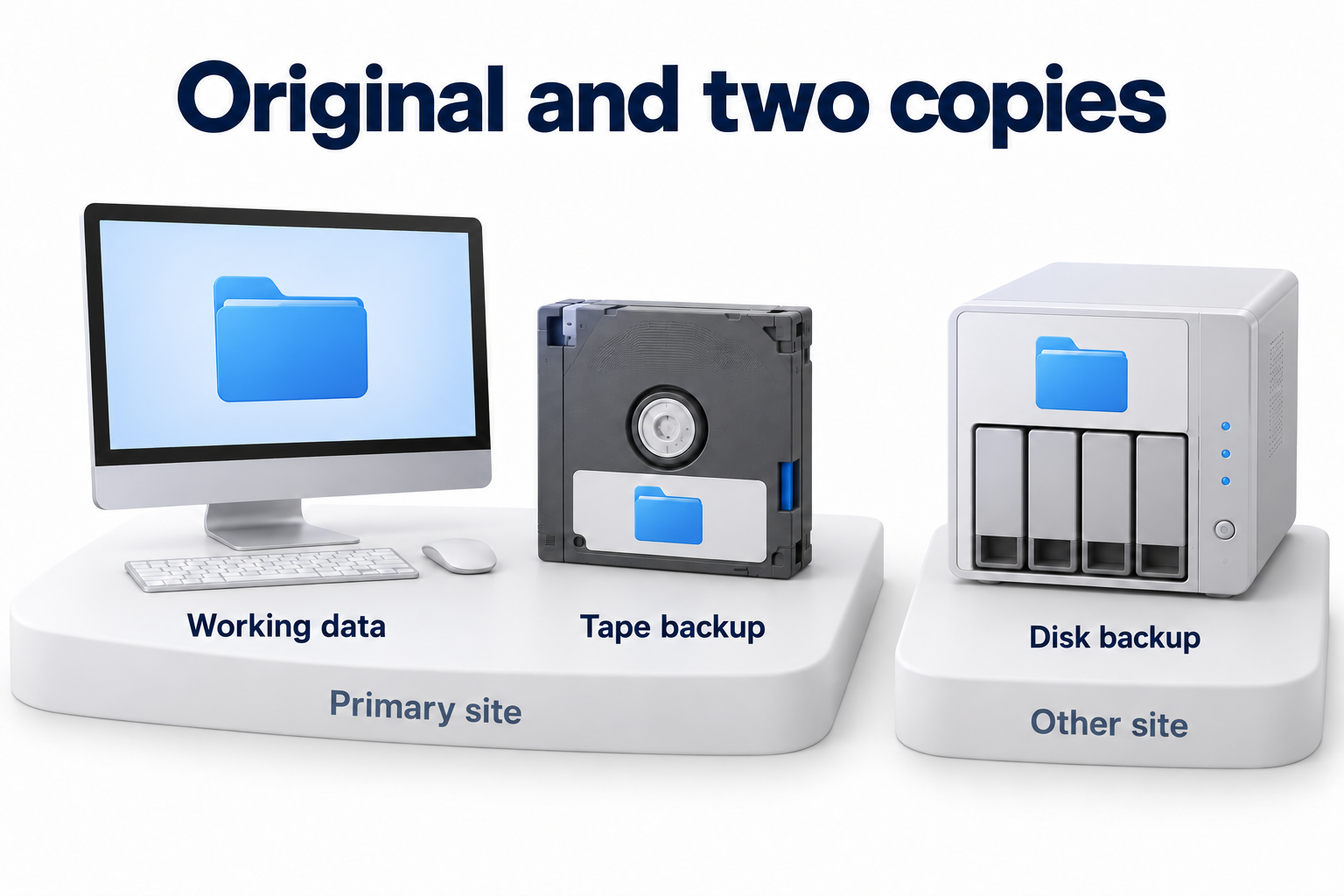
Service high availability, a data copy, and verified recovery address different tasks. Do not treat cloud services as a ready made backup or promise automatic recovery of every application. Clarify what the chosen service includes, what the customer configures, and how recovery is verified.
For a local site, check power, hardware, and access to spare resources. For cloud services, check the chosen architecture, dependency availability, and contract terms. Neither option becomes resilient through its name alone. A separate article on server and cloud backup covers copy locations.
Complete a matrix for each system
Record two specific options instead of the abstract words cloud and server. For example, specify a service level and configuration, or a local platform with a maintenance owner. Keep evidence and open questions for each row. Unsupported scores do not replace checks of constraints.
Test an application that works with local equipment
If an application receives data from a device at the site, check supported interfaces, latency, and behavior when connectivity fails. Test the full chain first, including the database and authorization. A local option may suit a strong dependency on that equipment, but it does not solve redundancy or support by itself.
Do not exclude a cloud option based solely on the industry name. Ask the vendor to confirm a suitable architecture and run the required test. Without confirmation, record the specific limitation. That is more useful than a general claim that all sensitive data must remain in the office.
Test collaboration for a remote team
If people share documents from different locations, assess access to one version, permissions, exchanges with other systems, and work during connectivity loss. For SaaS, clarify which actions work offline and what happens when the connection returns. A local copy alone does not confirm correct collaboration.
For a local file service, test the chosen remote access method with realistic file sizes. For both options, agree on retention and the ability to retrieve data in a usable format. A convenient interface does not remove these checks or prove that a separate backup exists.
Check short peaks and temporary environments
If resources are needed only for a limited period, compare preparation time and the full cycle cost. In the cloud, check configuration availability, limits, and how to terminate unwanted resources. On local equipment, assess spare capacity, effects on primary systems, and expansion costs.
A test environment may use a limited data set and have a different lifespan from the primary system. Agree on these conditions before creating it. After completion, check that the required results remain and unnecessary costs stop. Do not apply a temporary scenario's benefit to a permanent workload without a separate calculation.
Compare evidence in one matrix
|
Question |
What to confirm for both options |
Who confirms it |
|---|---|---|
|
Business task |
Required functions and the initial user group |
Process owner |
|
Compatibility |
Supported configuration, devices, and integrations |
Application owner and IT |
|
Access and connectivity |
User path, dependencies, and results of trial actions |
IT and a user representative |
|
Security and location |
Approved data conditions and a list of responsibilities |
Requirements owner and IT |
|
Cost |
The same period and load, including setup, operation, and exit |
Finance and the system owner |
|
Growth |
Required resources, constraints, and delivery time |
IT and the provider |
|
Recovery |
Acceptable downtime, data loss, and a verified recovery method |
Process owner and IT |
|
Management |
Owners, support, and the change process |
Management and IT |
If an option violates a mandatory condition, assign a check or exclude it with a reason. If information is missing, leave the question open with an owner and deadline. Do not choose a winner solely by the number of completed cells or the lowest visible price.
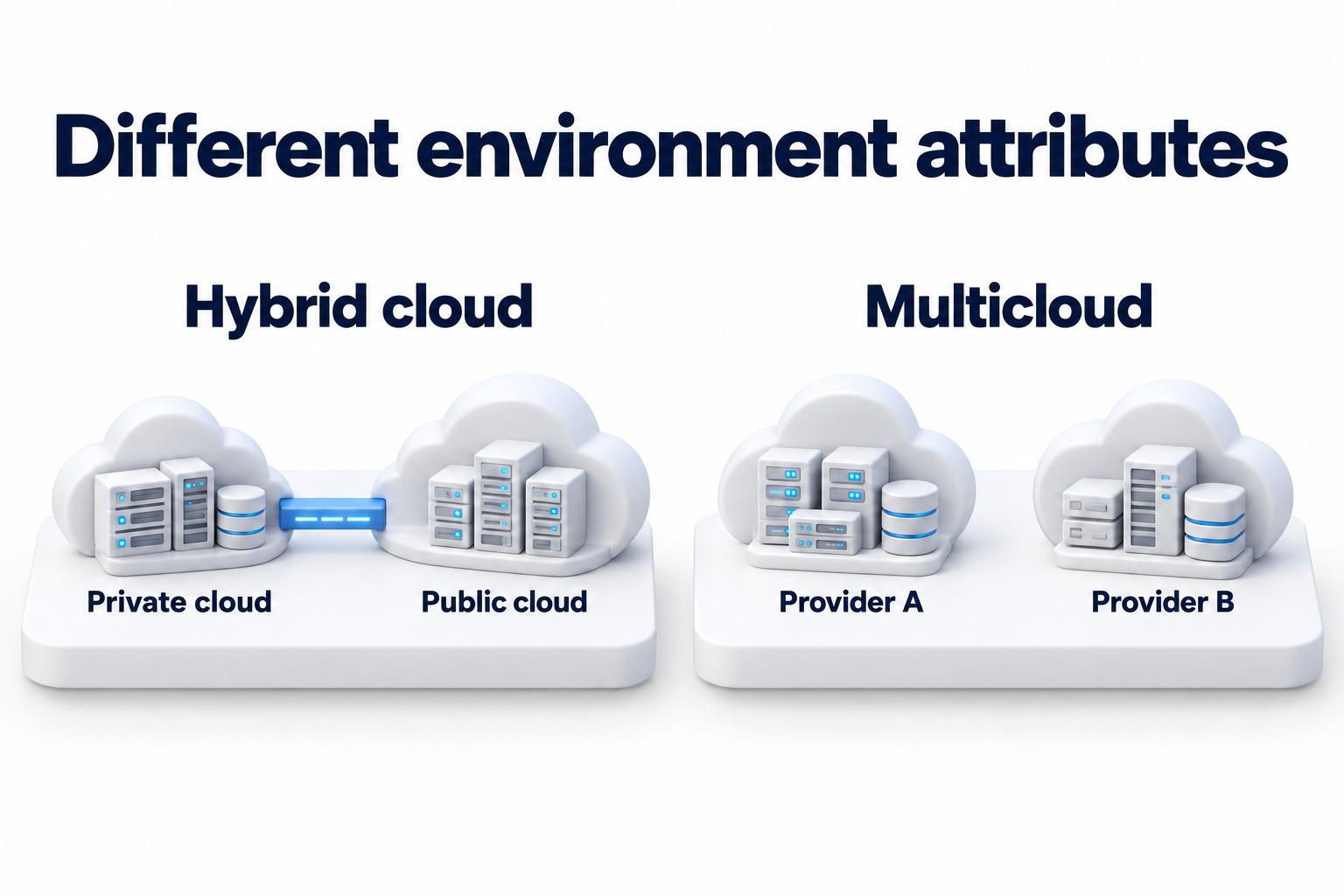
You do not have to move every system in the same way. Some can stay at the site while others use cloud services. The connection still needs verified data exchange, access, and responsibility. The composition of a hybrid environment and the use of multiple cloud providers require a separate architectural comparison.
Prepare the decision for verification and change
Keep the selected option, reasons, constraints, and review conditions. Before a change, check access, data scope, licenses, support readiness, and the ability to return to an agreed state. Start with a limited test of the required business actions instead of moving everything just to change its location.
A migration plan must define the sequence, change window, and owners. That work follows the location decision. After launch, compare actual response, costs, and support effort with the original assumptions. Update the decision if the load, application version, or business task changes.
The system owner confirms that the option performs the business task. IT retains technical test results, and finance confirms the calculation basis. Assign an owner and next step for remaining constraints. The decision is ready to implement when the team understands both the location and its operating conditions.
Need to assess where your business systems should run? Contact DKs Enterprises for help with cloud and hybrid infrastructure. Prepare a list of applications, dependencies, connectivity requirements, and current expenses to discuss the options.